


FenFenScreeScree
Members
-
Joined
-
Last visited
Everything posted by FenFenScreeScree
-
-
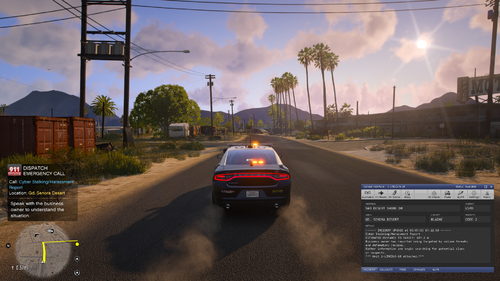 Just fyi, moderators in the Rage PH discord server keep saying to delete your callout packs when people have crashes. Might wanna ask them what's up with that.
- 71 comments
- 8 reviews
-
-

- 1
-
-
-
 Out of date and causing crashes
- 248 comments
- 20 reviews
-
-

- 1
-
-
- lspdfr callout
- rph
- translation
- legacy
-
Tagged with:


