


MasterSigma10005
Members
-
Joined
-
Last visited
Everything posted by MasterSigma10005
-
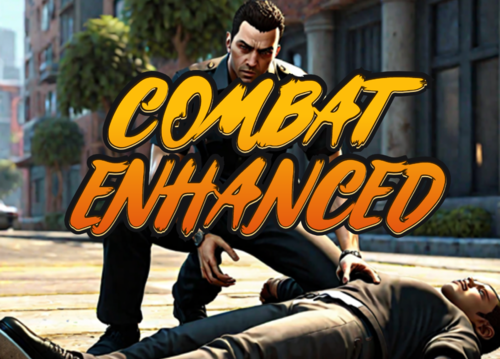 I don't know if this mod has been discontinued or if I messed up the download process but whenever I arrest somebody through the ground sequence, I am never able to interact with them afterwards. I only have this plugin and LSPDFR installed and would really appreciate any sort of advice on how to fix this.
- 84 comments
- 9 reviews
