


Klemiejr
Members
-
Joined
-
Last visited
Everything posted by Klemiejr
-
i looked into it more and its something with my virus protection anyone know how i can fix that i turn it off and the game doesn't crash i have also added it to exclusions and it still crashes.
-
So my game was working fine yesterday and now all the sudden today i try to start the game and it black screens every time i started just gta 5 by itself and it works and i can open rage plugin from in the game but i cant start the game with rage it just black screens i also tried to change my mods folder to _mods and it still crashed i will put my logs in here RagePluginHook.log
-
-
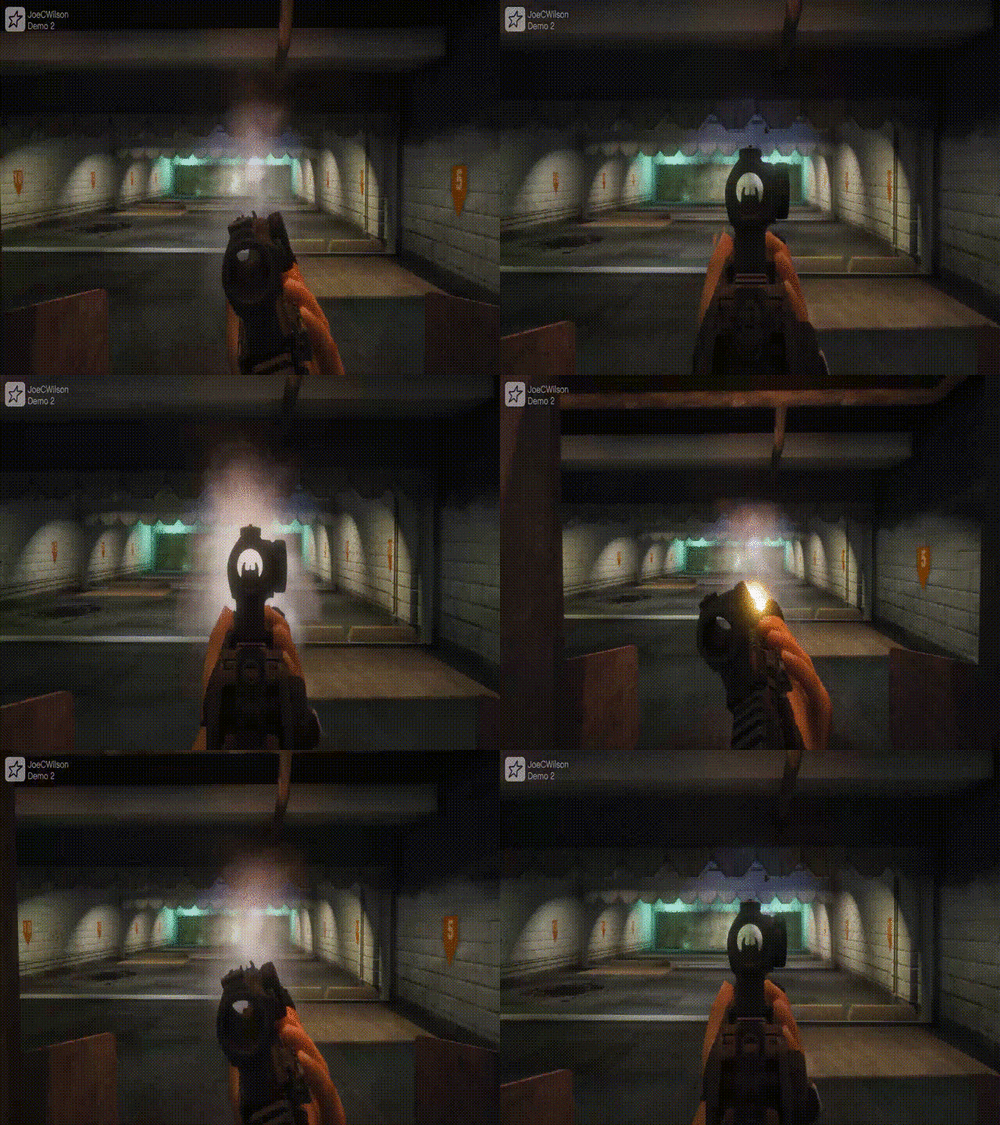 So i just downloaded this mod and when i pull out either a pistol or my m4 it has attachments on it already and i cannot take them off its something to do with the weapons meta file any idea on how to fix this?
- 56 comments
- 2 reviews
