Pulse Designs
Members
-
Joined
-
Last visited
Everything posted by Pulse Designs
-
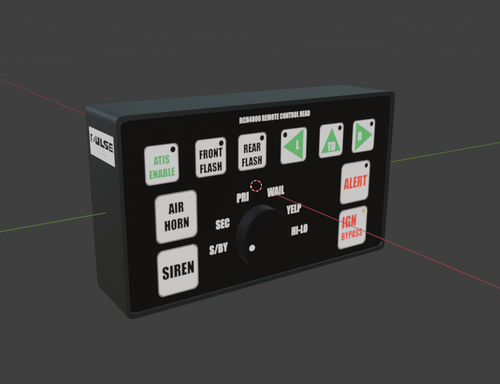 Thanks, it's great to see people appreciating other's work, especially for the small things in life! Though the model might be slightly off, I've done the best I can without any realistic dimensions!
 -
Hello. Follow all Terms of Service before sale on vehicles. Is in a .z3d & .OBJ format, and has all textures provided. At no instance, are you allowed to change the crediting panel on the side of the model. - Credit me when required, as AussieBaguette or Pulse Designs. Your choice. - Commercial sale is allowed on locked vehicles only. This must not be redistributed elsewhere without explicit, written permission by myself. Contact me at Pulse Designs: - https://discord.gg/ttwjr9KBup (This invite link is infinite, and shouldn't expire).