


.jpg.7a2f3be38a6ca7f89c88fd3baeda6f53.jpg)
.jpg.11bd4f80f381955803fdcc7856606c51.jpg)
LVMPDFAN
Members
-
Joined
-
Last visited
Everything posted by LVMPDFAN
-
-
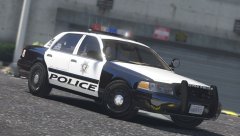 it will have the accurate equipment that they use
 -
yeah sorry It will be released soon
-
It will be released soon
-
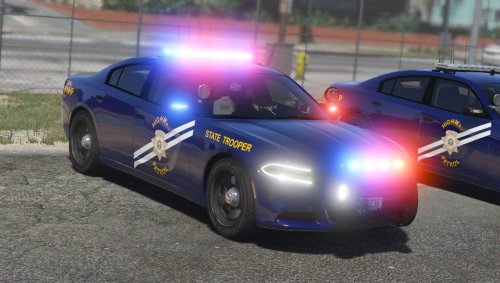 This vehicle is modeled after a specific department so that will not be happening
- 38 comments
- 19 reviews
-
-
-
 not a pack issue.. You're d*** and did not install the meta
 -
-
-
due to the fact that there is no 15 charger rambar. A tahoe rambar was edited into one and I forgot about the wrap I was extremely busy. The wrap will be added later today Hey you gotta do what you gotta do when you dont got a 15 charger rambar lol
- 38 comments
- 19 reviews
-
-

- 2
-
-
Hey guys this vehicles has gone through extensive beta testing. You can install this vehicle into the newest patchday and it should work. The siren setting's are made so no edits to the carvariations will have to be made. If you do find any bugs let me know and they will be fixed the file will be updated.
- 38 comments
- 19 reviews
-
-
- 15
-
-
.thumb.jpg.f83046833d5af725f5f4491d7e033e51.jpg) Love the work!
Love the work! -
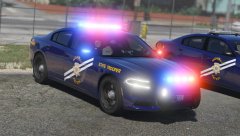 What you mean?
 -
From the album: Future Releases
Two Dodge Chargers just finished being outfitted and will be sent down to Southern Command to new troopers. This vehicle will be released within 24 hours. -
 All the vehicles are RDE compatible. You have to rename the vehicles and do it yourself but all of them are compatible and work fine with RDE
- 501 comments
- 104 reviews
-
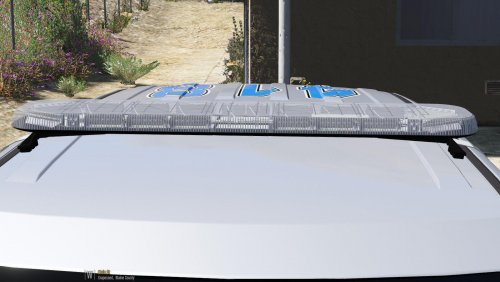 Thanks Xbox! I really love your work thanks for helping the community?
 -
You know exactly what I mean by when I said "DROT". If you have any other questions or comments you can PM me about it
-
I did not make "essentially make default lighting". I know how to make default rotators. This is not default rotators.
-
Guess you'll have to see when the vehicle is released within the next weeks
-
No you'll see for yourself upon release Yes both spotlights do turn on
-
From the album: Future Releases
This vehicle is a W.I.P. This vehicle does feature DROT like ELS back in Grand Theft Auto IV. I am still working out a few permissions and bugs, hoping for it to be out this month! -
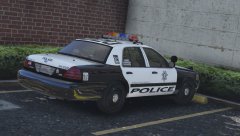
From the album: Future Releases
This vehicle is a W.I.P. This vehicle does feature DROT like ELS back in Grand Theft Auto IV. I am still working out a few permissions and bugs, hoping for it to be out this month! -
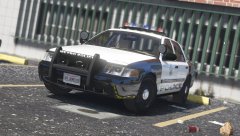
From the album: Future Releases
This vehicle is a W.I.P. This vehicle does feature DROT like ELS back in Grand Theft Auto IV. I am still working out a few permissions and bugs, hoping for it to be out this month! -
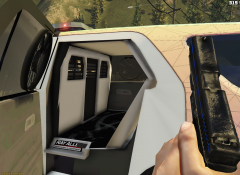 You gotta remove the seat bud
.jpg.11bd4f80f381955803fdcc7856606c51.thumb.jpg.b853c1d89c9be2887485010d9ff29aa8.jpg)
.thumb.jpg.f83046833d5af725f5f4491d7e033e51.jpg)
