SgtSniper
Members
-
Joined
-
Last visited
Everything posted by SgtSniper
-
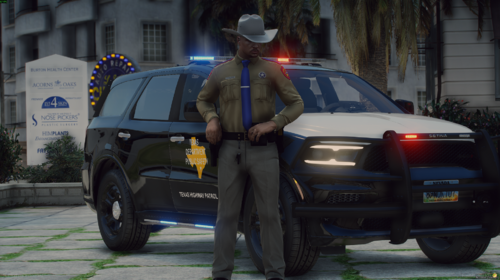 Nice agency choice
 -
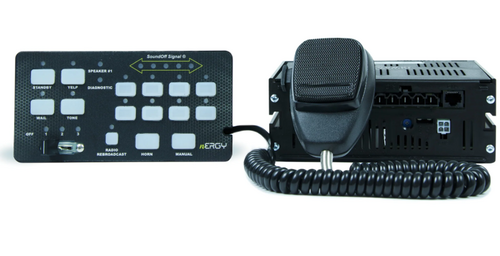 I gotcha. It's the tone at 0:22 seconds in your video showing the siren
 -
That's what I put in but it doesn't have that tone and only just the regular tones in game
-
Is there an easy way to get that tone into the third tone for FiveM? I heard it in the video and it sounds incredible
-
I added the siren and it sounds great but it doesn't do the "cell phone" siren for the priority siren. Was there supposed to be a second file with it or am I missing something?
-
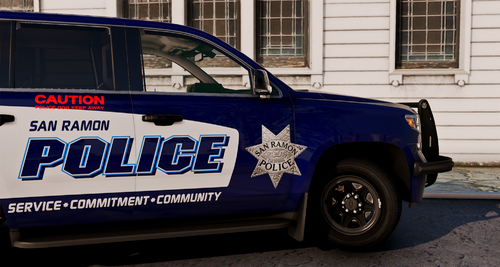 Hey man, what slicktop CVPI did you use to showcase the liveries? It looks dope af with the white livery on it
 -
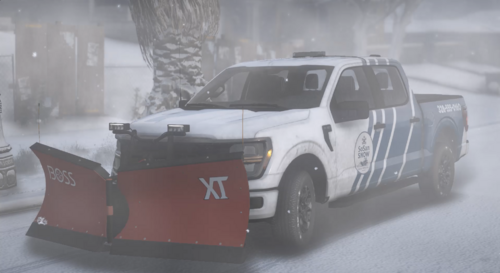 Yes! That's awesome man!!!
 -
Good model and is great quality
-
If you made one without the snowplow, it would be an amazing utility truck. Nice work, man
-
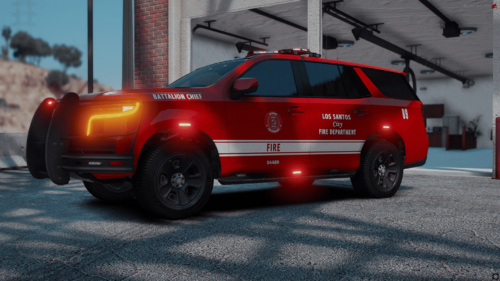 The vehicle looks great but why is there ALPR's on the lightbar??
 -
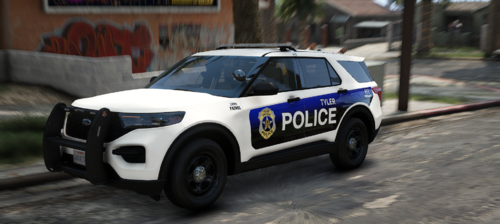 I'm over in Longview, I was NOT expecting to see this
 -
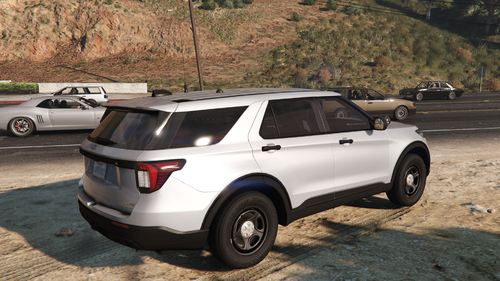 Dude you're awesome, THANK YOU!
 -
Man could you make the lighting blue and white or all blue by chance? I love this though