Skip to content
View in the app

A better way to browse. Learn more.

LCPDFR.com

A full-screen app on your home screen with push notifications, badges and more.

To install this app on iOS and iPadOS
  1. Tap the Share icon in Safari
  2. Scroll the menu and tap Add to Home Screen.
  3. Tap Add in the top-right corner.
To install this app on Android
  1. Tap the 3-dot menu (⋮) in the top-right corner of the browser.
  2. Tap Add to Home screen or Install app.
  3. Confirm by tapping Install.

DemiEvo

Members
  • Joined

  • Last visited

Everything posted by DemiEvo

  1. So I had to reinstall EUP law and order and I just realized that I didn't install it in the _mods folder and instead openiv decided to make a new mods folder so it installed there. I dont know how to make openiv install it in the _mods folder sadly.
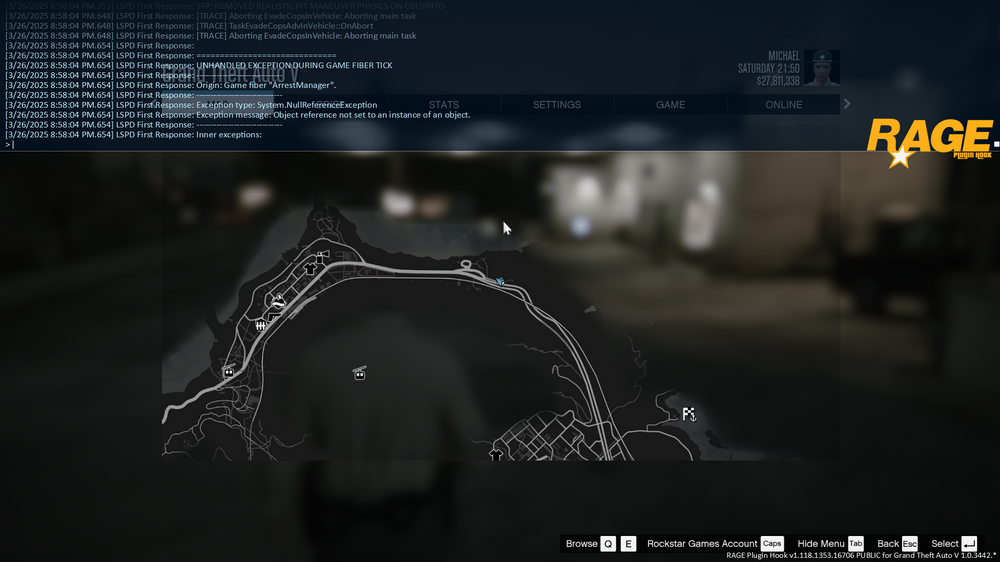
  2. My lspdfr crashed again after I tried to take down a suspect and this is what it said in the console. I don't know how to copy and paste anything from the console sadly so I just screenshotted the recent console texts. (ignore the spoilers, that was my mistake)
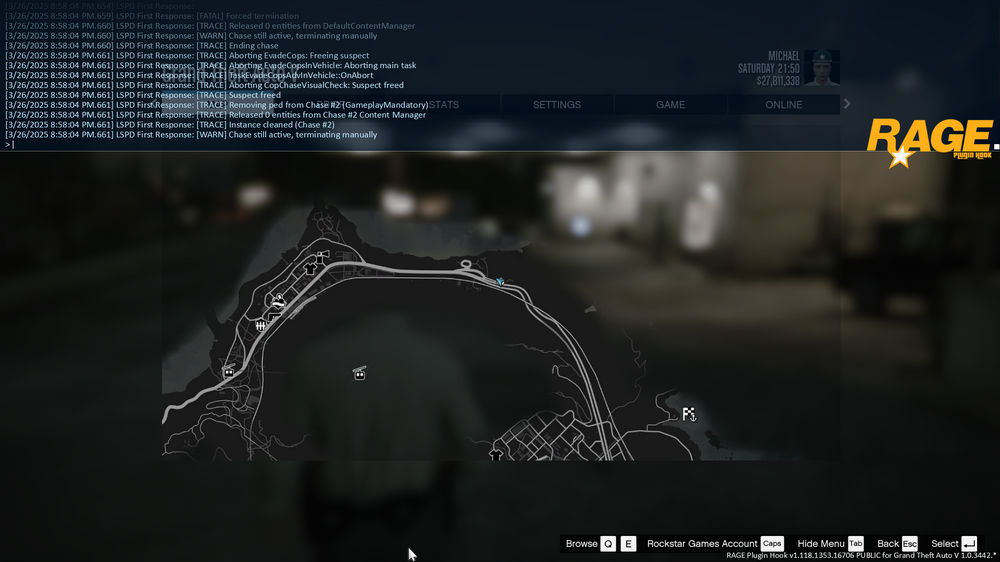
  3. My LSPDFR crashed 2 times today for no reason after I did something certain like picking up a gun and I suspect it happened because of the GTA 5 update that I got today. Renaming the mods folder to _mods didn't help.

Account

Navigation

Search

Search

Configure browser push notifications

Chrome (Android)
  1. Tap the lock icon next to the address bar.
  2. Tap Permissions → Notifications.
  3. Adjust your preference.
Chrome (Desktop)
  1. Click the padlock icon in the address bar.
  2. Select Site settings.
  3. Find Notifications and adjust your preference.