Ohioscanner
Members
-
Joined
-
Last visited
Everything posted by Ohioscanner
-
-
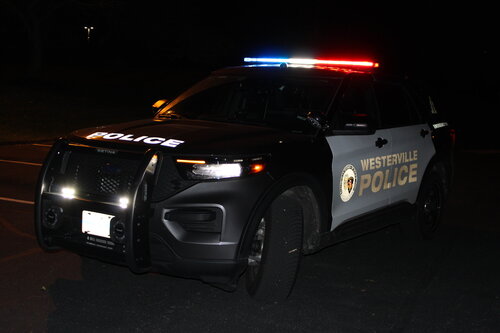 Sirens in the File only: T1 Normal Wail, Alt Wail, Normal Yelp, Prty, and Powercall/Warble Tones not added Alt Wail mixed with Woop/Powercall, Yelp and Prty mixed along with Wail, Yelp and Prty for handsfree Noral Tones coming out of both boxes.
 -
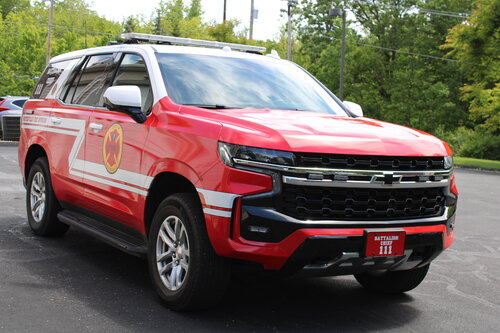 https://www.youtube.com/shorts/0yGjqnyiV_Y?si=MQBjU5-fiA2S7_xx
 -
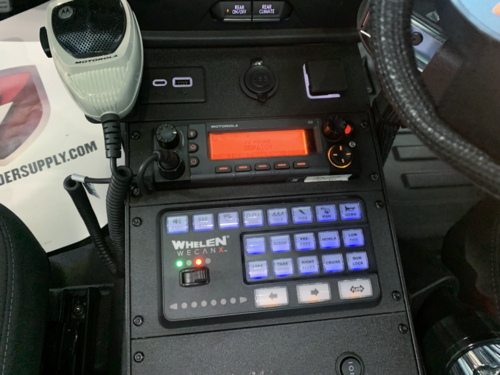 These are Whelen Alt Tones mixed with Whelen Cencom Sapphire tones and KSA Horn
 -
I made these on my own
-
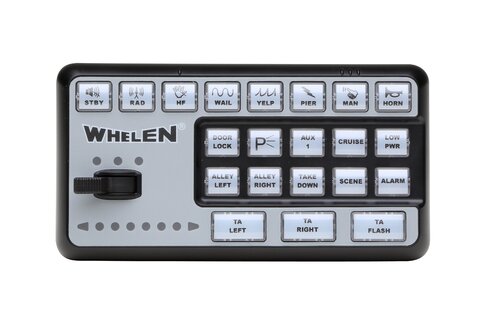 I do have to make some improvements on the Horn, but also better Fire Sirens added with New Q and Air Horn ETC.
 -
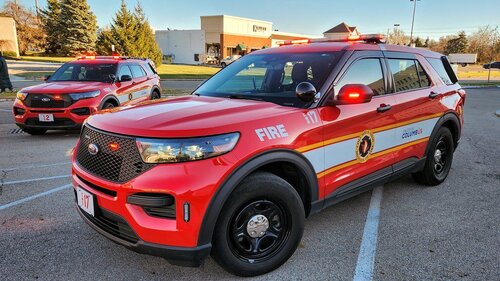 https://youtu.be/ItKtAOfJQjA
 -
-
-
-
-
-
-