Skip to content
View in the app

A better way to browse. Learn more.

LCPDFR.com

A full-screen app on your home screen with push notifications, badges and more.

To install this app on iOS and iPadOS
  1. Tap the Share icon in Safari
  2. Scroll the menu and tap Add to Home Screen.
  3. Tap Add in the top-right corner.
To install this app on Android
  1. Tap the 3-dot menu (⋮) in the top-right corner of the browser.
  2. Tap Add to Home screen or Install app.
  3. Confirm by tapping Install.

Saronyx78

Members
  • Joined

  • Last visited

  1. Good plugin! Does it work with Non-ELS vehicles too ? I was wondering..
  2. I'm not the one you should ask but yeah that's how an addon pack works, you gotta add it
  3.    FDNYSol reacted to a comment on a gallery album: Cali Shots
  4.    noeup reacted to a comment on a file: [ELS]{DLC}Tesla Police Pack
  5. Saronyx78 changed their profile photo
  6. Hi chat, has anyone experienced this ? Cause I have and it ticks me off a little cause the textures are bugged out on only three depts but not BCSO LSPD LSSD SAHP Are the ones concerned, I really don't know how to fix it. View image for reference FYI, I have already done reinstalling EUP L&O and S&R with no success, plus those are the stock uniforms you get from EUP.
  7.    CODE3LAPD reacted to a comment on a gallery image: CHP shootout.png
  8.    purplepotatoes14 reacted to a comment on a gallery image: Nightlife #1
  9. not usually a fan of tesla but that looks great, nice job
  10. oh good lord
  11. Saronyx78 commented on purplepotatoes14's gallery image in GTA V Galleries
  12. Saronyx78 commented on FDNYSol's gallery album in GTA V Galleries
    • 143 downloads
    • Version 1.0.0
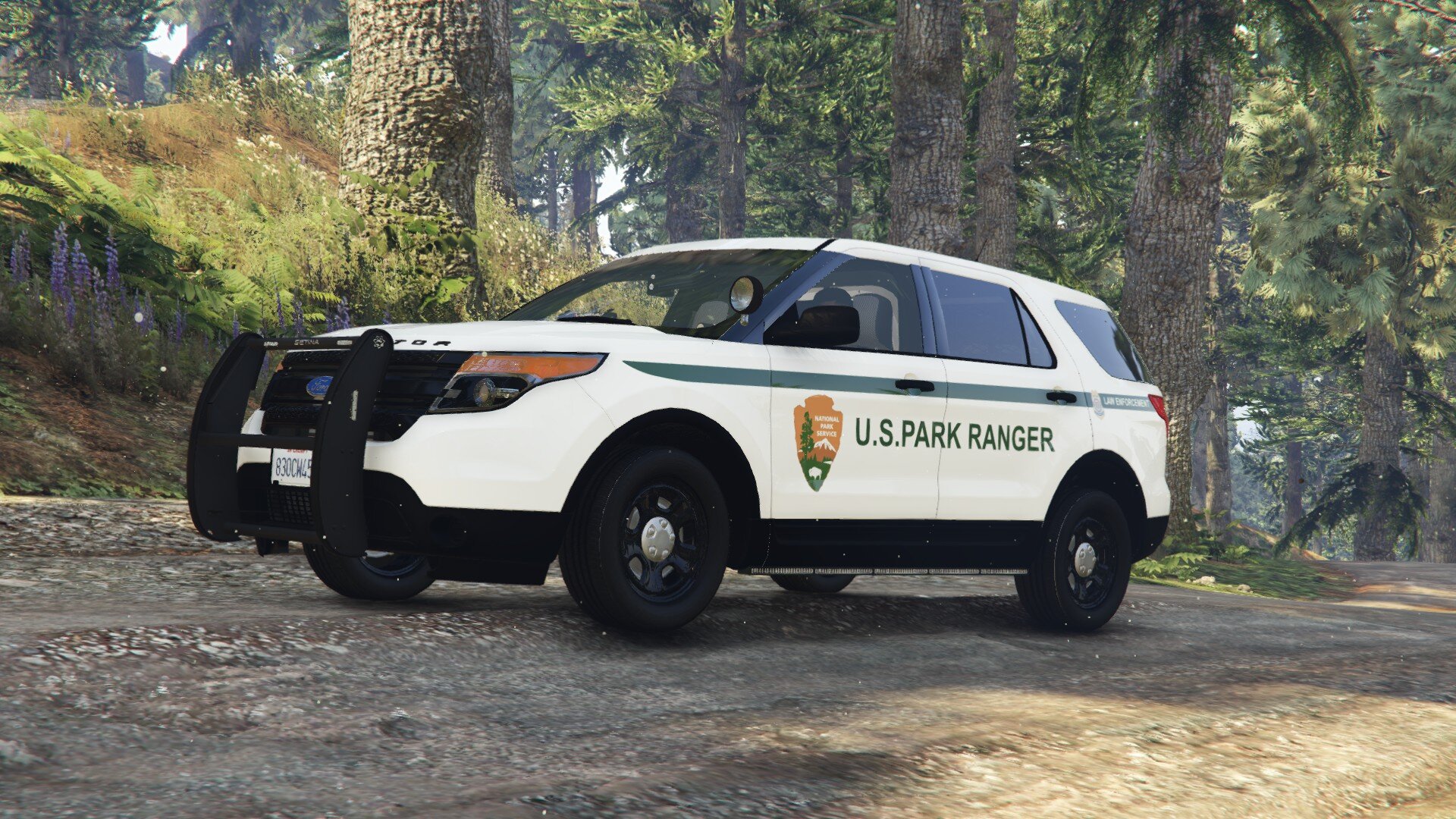
    Bring authority, realism, and presence to the roads of San Andreas with this fully original San Andreas State Troopers Vehicle Pack, built specifically for LSPDFR. Designed to feel authentic, intimidating, and purpose-driven, this fleet represents statewide law enforcement at its core — from busy highways to remote rural routes. Featuring a cohesive deep navy blue and matte black livery, this pack strikes the perfect balance between visibility and professionalism. The fleet looks aggressive under city lights, clean in daylight, and unmistakably official in every scenario. Each vehicle has been carefully assigned a role to avoid redundancy and enhance immersion during patrols, traffic enforcement, pursuits, and large-scale operations. 🚔 Fleet Highlights: • Standard marked patrol units for daily enforcement • Slicktop Dodge Charger dedicated to speed enforcement and traffic interdiction • Fully equipped K9 unit for high-risk stops and tracking • Unified, lore-friendly San Andreas design across all vehicles 🛣️ Ideal for highway patrol, traffic stops, pursuits, and rural response 🎯 Purpose-built units — every vehicle has a reason to exist 💙 Clean navy finish paired with aggressive matte black accents 🔧 Designed to blend naturally into LSPDFR gameplay Whether you’re running radar on the interstate, responding to priority calls, managing scenes as a supervisor, or backing up patrol units across the state, this pack delivers a mean, modern State Troopers fleet that feels right at home in San Andreas. Built with immersion in mind and tailored for players who value realism and cohesion, the San Andreas State Troopers Vehicle Pack is the backbone of statewide law enforcement in LSPDFR. NOTICE: README is included, read it. Original Vehicles by Scorpionfam:
  13. Awesome pack, you're a lifesaver considering I needed NPS addon vehicles 😭
  14.    Mattlicare reacted to a comment on a file: Blaine County Sheriff Pack
  15.    Saronyx78 reacted to a review on a file: Qwaned Callouts
  16. Ah, I see, well still good luck out there mate
  17.    Saronyx78 reacted to a comment on a file: Blaine County Sheriff Pack
  18.    Mattlicare reacted to a comment on a file: Blaine County Sheriff Pack
  19. Your liveries look great man! But I advise you go in game and take pictures of them! You can use Rockstar Editor or a mod to do much better pictures. It's just my feedback though, keep it going man 😁
  20.    qwaned reacted to a comment on a file: Qwaned Callouts

Account

Navigation

Search

Search

Configure browser push notifications

Chrome (Android)
  1. Tap the lock icon next to the address bar.
  2. Tap Permissions → Notifications.
  3. Adjust your preference.
Chrome (Desktop)
  1. Click the padlock icon in the address bar.
  2. Select Site settings.
  3. Find Notifications and adjust your preference.