
Officer Blacks
Members
-
Joined
-
Last visited
Everything posted by Officer Blacks
-
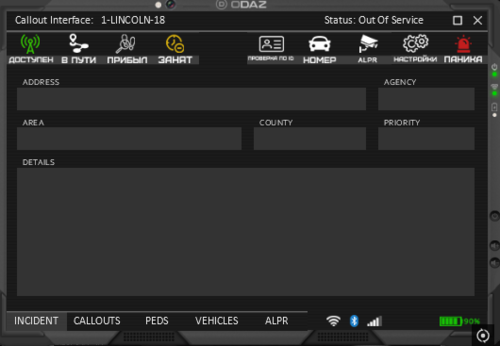 I really liked your idea of Russifying this plugin, but could you synchronize the information about the call on the interface board in Russian so that the Russian-speaking unit can understand the information about the call. I would appreciate it! If this succeeds, I am ready to reward in the form of a donation to your wallet. Thanks!