


.png.115665fa33b320c4ede7a1f7f25bc385.png)
312b
Members
-
Joined
-
Last visited
Everything posted by 312b
-
Still don't working

-
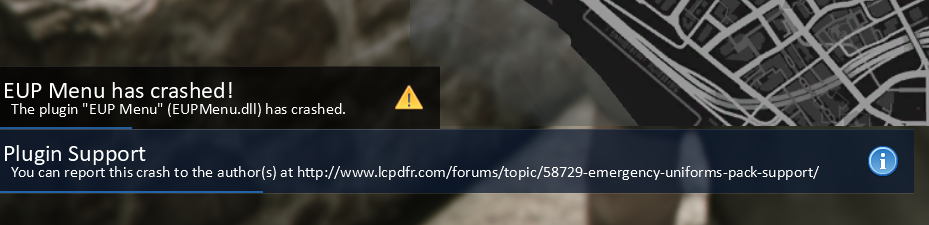
LSPDFR started crashing when I opened the UltimateBackup menu. Also, when I opened the EUP Menu, EUPMenu.dll crashes. It used to work when I was using Windows 10, but after I upgraded to Windows 11, it started crashing. I had a mod for the game on a copy that hadn't been updated in a while. But yesterday I made a second, newer copy and tried installing similar mods (including UltimateBackup and EUPMenu), and it also crashed. Here's the log. RagePluginHook.log
-
I didn't disable it because after loading the plugins, everything works normally.
-
okay, RagePluginHook.log. This one?
-
RagePluginHook_02032025_174236.log
-
e.g. arresting ped, police backup, pursuit menu
-
I use plugins/mods 686 Callouts Compulite Grammar Police StopThePed UltimateBackup UnitedCallouts and cars/uniforms https://polishemergencyv.com/
.thumb.png.b7fdb5351f455c402840052f9f785153.png)
