
amiego1994
Members
-
Joined
-
Last visited
Everything posted by amiego1994
-
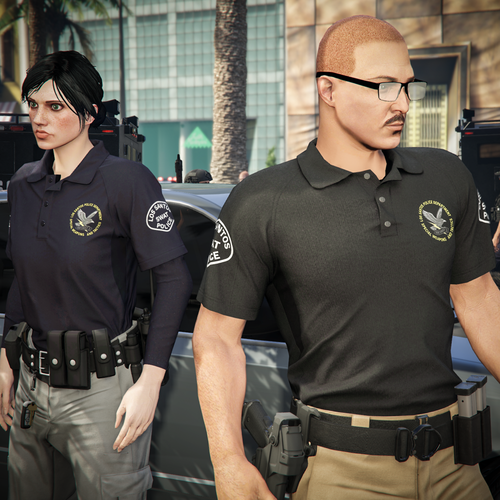 Can you do an LA Version?
 -
 I know, just read the caption
 -
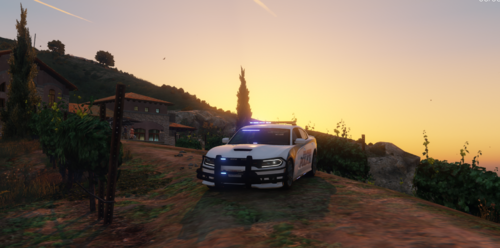
Hey, I did nothing for long time but now i'm back! So, i saw this Charger and loved the Template but hated that it says "LOS SANTOS", so i changed it. I know its nothing like a normal LAPD Skin but i wanted something different. ---Installation--- 1) Install the original Car from Dtailed Designs and install it in this location: Grand Theft Auto V> Update > X64 > dlcpack > Patchday25ng > dlc.rpf > X64 > Levels > GTA5 > Vehicles 2)[FOR ADVANCED USERS] Just go into the .ytd file and replace the skin with the .PNG files. (the .PNG files do have already the right name) 2)[FOR BEGINNERS] Stay in this path and do right-click the "police.ytd" file and select "Edit", then find the skins you have to replace and replace it. Now right-click the "police.ytd" and replace the "22char_sign_1" skin. Voila, its done. --------------------------------------- ---Disclaimers--- If you make a video, then link the original car and the skin. Don't reupload my Skin
-
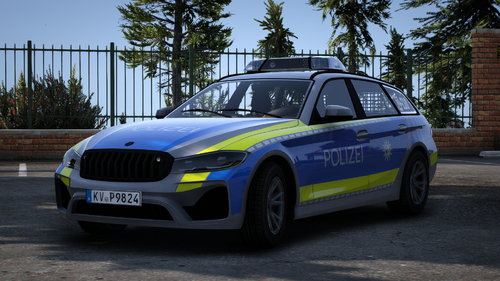 Bitte mach mehr von den Fahrzeugen 🙏
 -
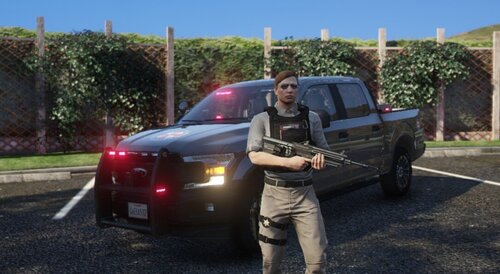 Hey! Here's my UBCS Skin for the 2018 Ford F150 from Steve6645. Here's the link: If there are any bugs or issues with this skin, PLEASE let me know. The installation guide is in the README file. What i changed with this car? - R&B ELS to only RED ELS - Other Skin Have fun 🙂
 -
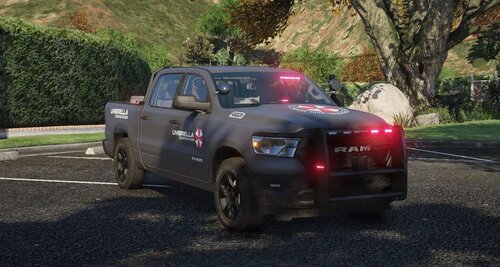 Hey! Here's my UBCS Skin for the 2023 Dodge Ram from Steve6645. Here's the link: If there are any bugs or issues with this skin, PLEASE let me know. The installation guide is in the README file. What i changed with this car? - R&B ELS to only RED ELS - Other Skin Have fun 🙂
 -
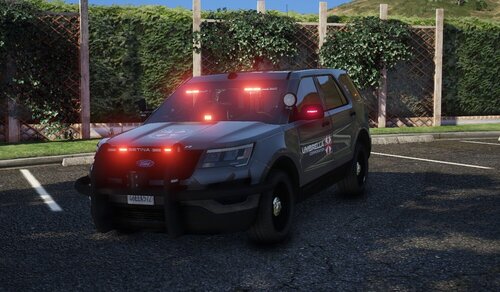 Hey! Here's my UBCS Skin for the 2016 Ford Explorer from Steve6645. Here's the link: If there are any bugs or issues with this skin, PLEASE let me know. The installation guide is in the README file. What i changed with this car? - R&B ELS to only RED ELS - Other Skin Have fun 🙂
 -
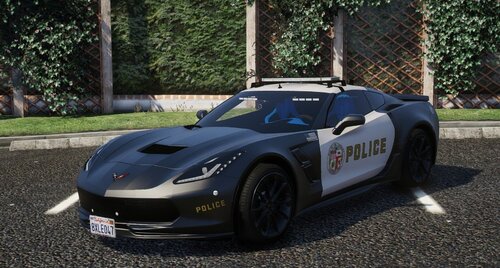 Hey, Here's my LAPD Skin for the 2017 Corvette C7 from vojt1s3k. Here's the link: If there are any bugs or issues with this skin, PLEASE let me know. The installation guide is in the README file. Have fun 🙂
 -
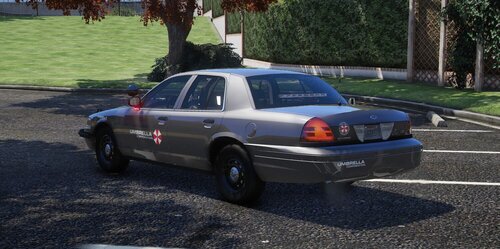 Hey! Here's my UBCS Skin for the 2011 Crown Victoria from Steve6645. Here's the link: If there are any bugs or issues with this skin, PLEASE let me know. The installation guide is in the README file. What i changed with this car? - R&B ELS to only RED ELS - Other Skin Have fun 🙂
 -
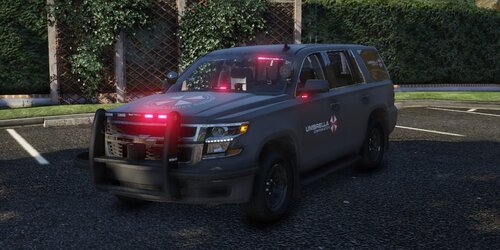 [ELS] 2020 Chevy Tahoe UBCS Skin by amiego1994 --------------------------------------- ---Installation--- 1) Install the original Car from Steve6645 and install it in this location: Grand Theft Auto V> Update > X64 > dlcpack > Patchday25ng > dlc.rpf > X64 > Levels > GTA5 > Vehicles 2)[FOR ADVANCED USERS] Just go into both .ytd files and replace the skin with the .PNG files. (the .PNG files do have already the right name) 2)[FOR BEGINNERS] Stay in this path and do right-click the "fbi2.ytd" file and select "Edit", then find the skins you have to replace and replace it. Now right-click the "fbi2+hi.ytd" and replace the "tahoe_sign_1" skin. 4) Last step is to replace the .xml file for the lightning. Just replace the "fbi2.xml" file in this Location Grand Theft Auto V> ELS> pack_default Voila, its done. --------------------------------------- ---Disclaimers--- If you make a video, then link the original car and the skin. Don't reupload my Skin (or i will shit in your mailbox)