
Erii76
Members
-
Joined
-
Last visited
Everything posted by Erii76
-
-
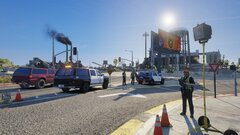 20250723181224_1.jpg
-
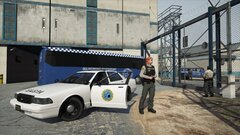 20250524180559_2.jpg
-
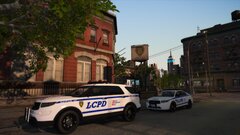 20250417194408_1.jpg
-
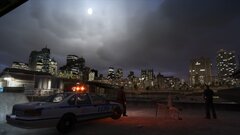 20250309233134_1.jpg
-
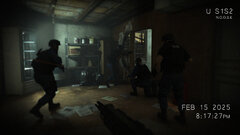 250308020342_1.jpg
-
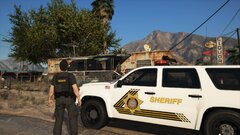 20250308015148_1.jpg
-
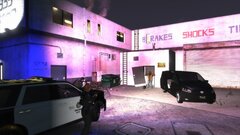 20250308012529_1.jpg
-
 20250302203210_1.jpg
-
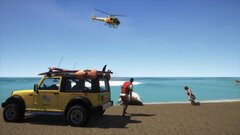 20250301151142_1.jpg
-
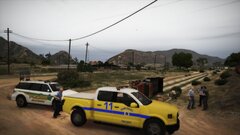 20250301143448_1.jpg
-
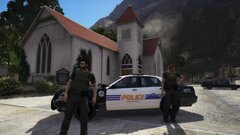 20250228123652_1.jpg
-
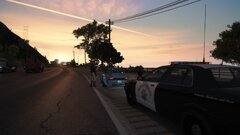 20250227004136_1.jpg
-
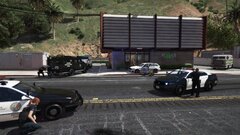 20250225125701_1.jpg
-
 20250225113345_1.jpg
-
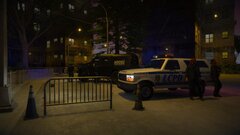 20250225110602_1.jpg
-
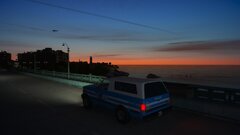 20250225021309_1.jpg
-
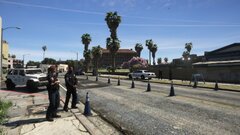 20250223141939_1.jpg
-
 20250223013035_1.jpg
-
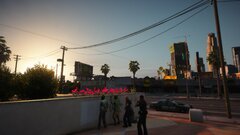 20250223010451_1.jpg
-
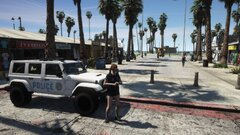 20250222021626_1.jpg
-
-
-
-
-
-
-
-
-
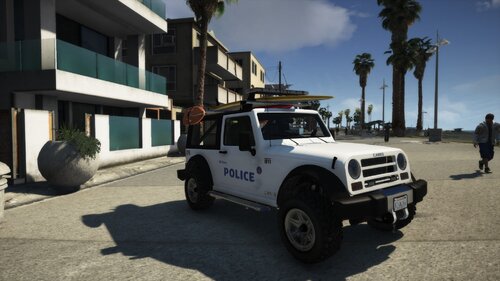 This mod adds a DPPD (Del Perro Police Department) variant to enjoy the original models from the Lifeguard Mesa mod created by Jacobmaate, and be able to patrol as a police officer with this vehicle. I have added some new lines to the carvariations.meta file so that I can add a new texture. The texture design is inspired by the Del Perro Police Department Vehicle Pack created by IlayArye. ------------------------------------------------------------------------------------------------------------------------------------------------------------------------------------- To Install: -Install Lifeguard Mesa mod following the steps provided by the creator. With openIV go to: GTAV/mods/update/x64/dlcpacks/JMesa/dlc.rpf/x64/vehicles.rpf Then, with Edit Mode, edit lguardmesa.ytd, and import mesaswb_sign_9 After that, go to GTAV/mods/update/x64/dlcpacks/JMesa/dlc.rpf/common and replace carvariations.meta ------------------------------------------------------------------------------------------------------------------------------------------------------------------------------------- Now, using a trainer, spawn the lwardmesa vehicle until the variant comes out.
 -
-
-
-
-
-
-
-
-
-
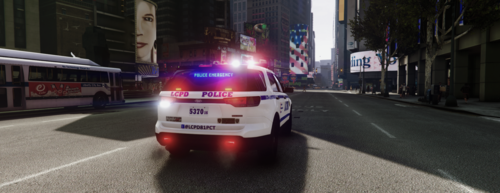 Good job, it works perfectly, I recommend saving the original files so it doesn't happen the other way around, LCPD in LS.
 -
-
-
-
-