LimYH
Members
-
Joined
-
Last visited
Everything posted by LimYH
-
I had Improved Pursuit AI installed, then decided to install DriveV which is a handling mod that makes driving more realistic and enjoyable. After that the improved Pursuit AI seems to not be working as well as before, backups would straight up launch and ram suspects. I noticed both of them edited handling.meta, although improved Pursuit AI does not alter handling datas but only police vehicle behaviour. Are they somehow still compatible? And does handling meta affect AI driving too?
-
-
 A very underrated and impressive plugin ! I had initially thought talkative player would be unstable but it turned out to be almost flawless on my first playthrough. The aggresive voice lines works cus who I am rping as would exactly behave as such 🤣
- 182 comments
- 4 reviews
-
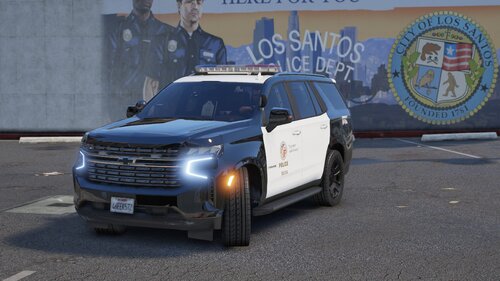 I could have sworn I understood the word "included" F protect and serve, where's the Obey And Survive ?
 -
Backup Bad Spawn.txt
-