Ghj8373
Members
-
Joined
-
Last visited
Everything posted by Ghj8373
-
Where do I keep track of it now?
-
Tell me what needs to be done, I just don't know how.
-
I did it, but it didn't help.
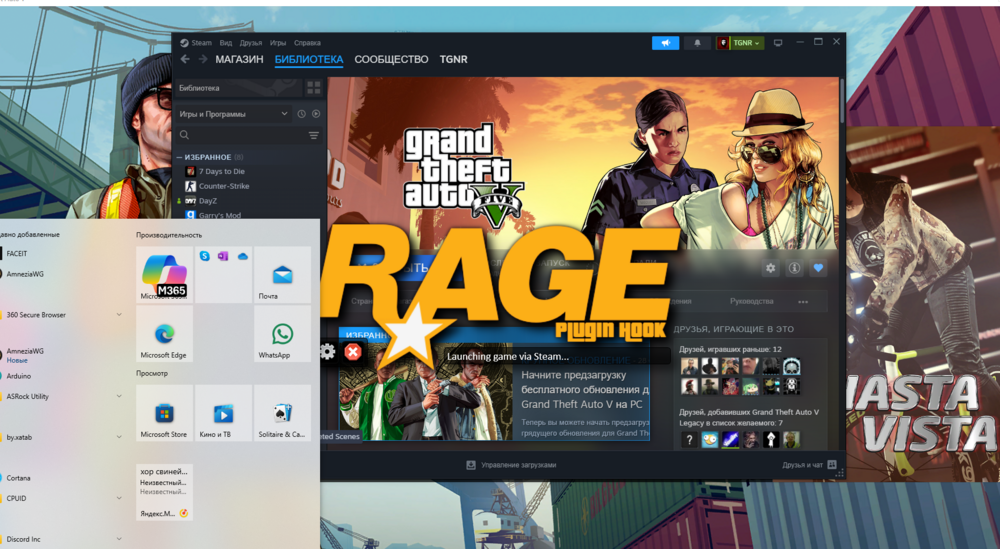 Yes, I downloaded the update.I downloaded RPH along with lspdfr.No, everything is fine, it starts as usual. All I know is that before the RPH stopped being serviced, everything was working well, but after that, this error started.It wasn't created, I got it mixed up.Yes, it is created.I can send it if necessary.I ran RPH and gta 5 on behalf of the administrator.Yes, I tried it too, but it didn't help, writes "launching game".Yes, there is, I turned it off too.Hello, back in February, there was a problem with the Rage Plugin hook.I ran it in different ways, reinstalled gta 5, lcpdfr too.Nothing helped....
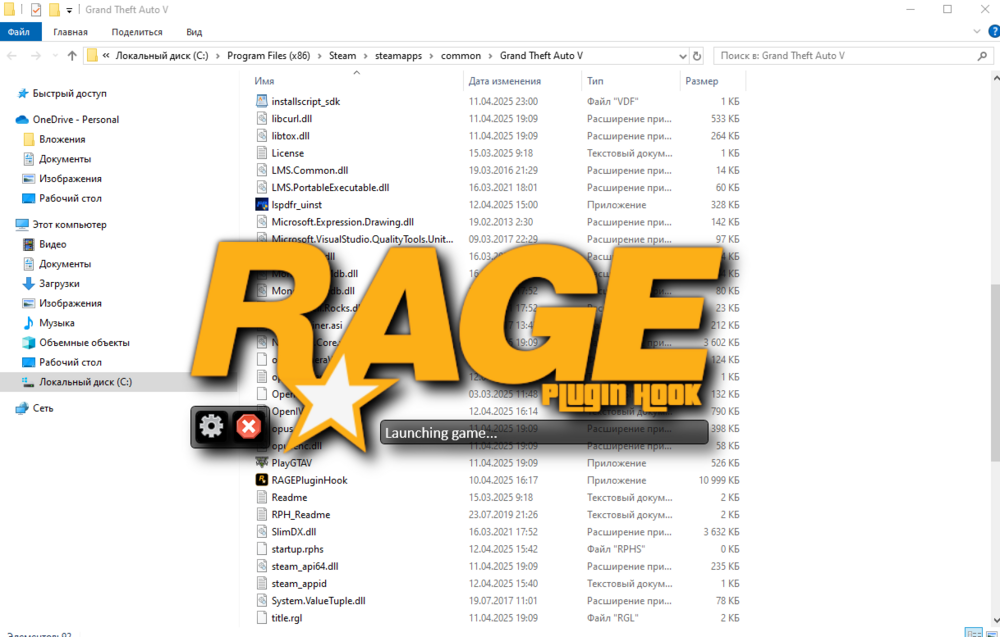 Hello, in February there was a problem launching the mod and it just won't start, it freezes on launch game..