


Adrix12336555
Members
-
Joined
-
Last visited
Everything posted by Adrix12336555
-
Hi, it's me again. I reinstalled the game and reinstalled the lcpdfr file, and it opens, but it closes immediately. I'm having really bad luck. Can you please help me? RagePluginHook.log
-
Yes, thank you for trying to help me.
-
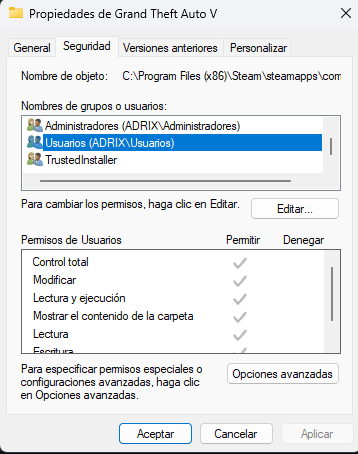
I modified them, but it's still failing. I use the Windows 11 antivirus.
-
I'll leave it here for you.
-
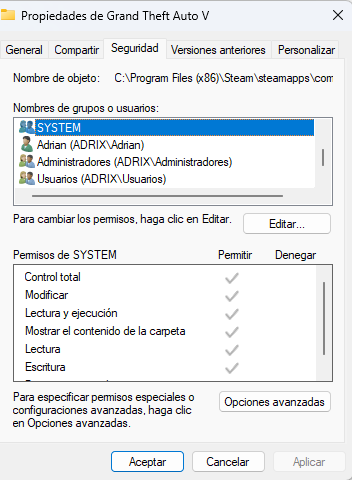
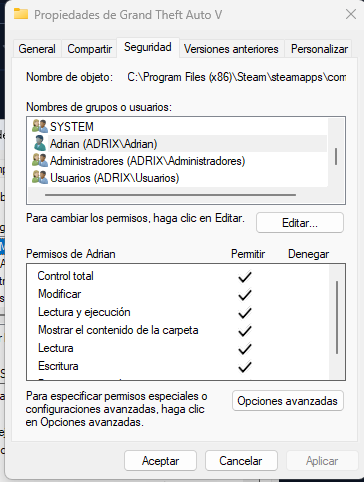
okss Is that what you asked me for, or was it something else?
-
How so? If I launch GTA normally, no new registry entry is created, but if I delete it and log back in with RPH, another one is created. Is that what you're asking me to do or not? Sorry, I'm not very good at this. Just in case, here's the new log RagePluginHook.log
-
I just tried it and it keeps crashing. It must be a problem with the mod installation. Thanks for the help anyway. And one more thing, could you tell me if I have to reinstall GTA 5 or is there some other way to fix it?
-
Sorry, I forgot to mention it, I had already done that. here it is thanks RagePluginHookLauncher.log
-
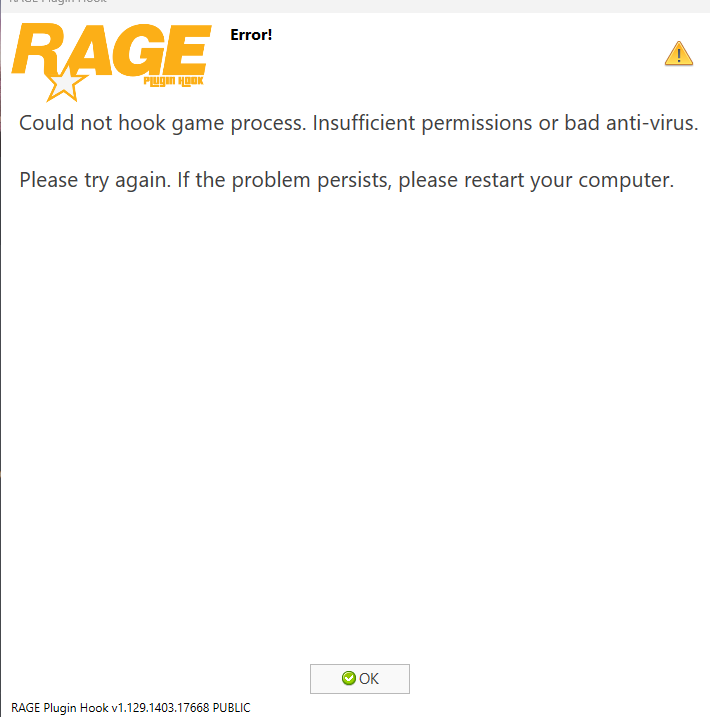
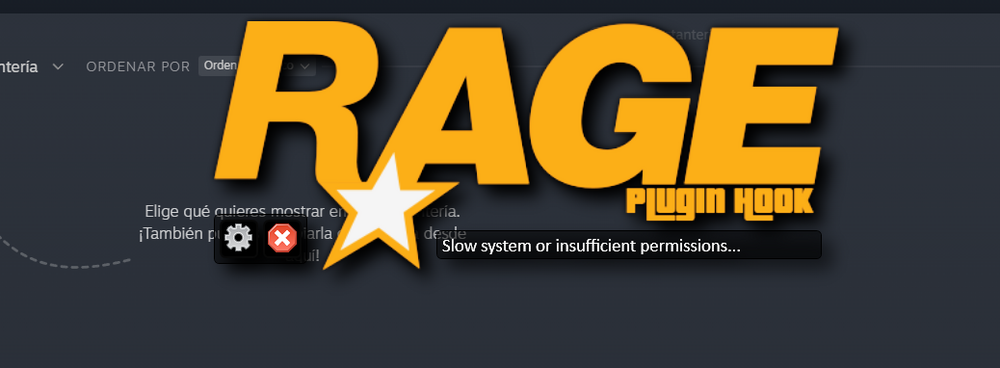
The game starts with an error message that says "Slow system or insufficient permissions" and then "Could not connect to the game. Insufficient permissions or faulty antivirus." If you could help me, that would be fantastic. And I'm leaving the log here just in case. RagePluginHook.log
-
-
Hi Lenny, I asked for help for the default content manager error and you told me to put 60000 instead of 10000 and I did what you told me but the game keeps crashing, I don't know what to do. If you could help me I would appreciate it RagePluginHook.log
-
I get an error called default content manager, I don't RagePluginHook.logknow how to fix it.

