Redhead21
Members
-
Joined
-
Last visited
Everything posted by Redhead21
-
 if you guys could make a computer system for this mod for people that dont have another pc or screen this would be 100 percent best mod out there i cant give out tickets due to this but thats my only gripe are you by chance working on something like that
- 729 comments
- 55 reviews
-
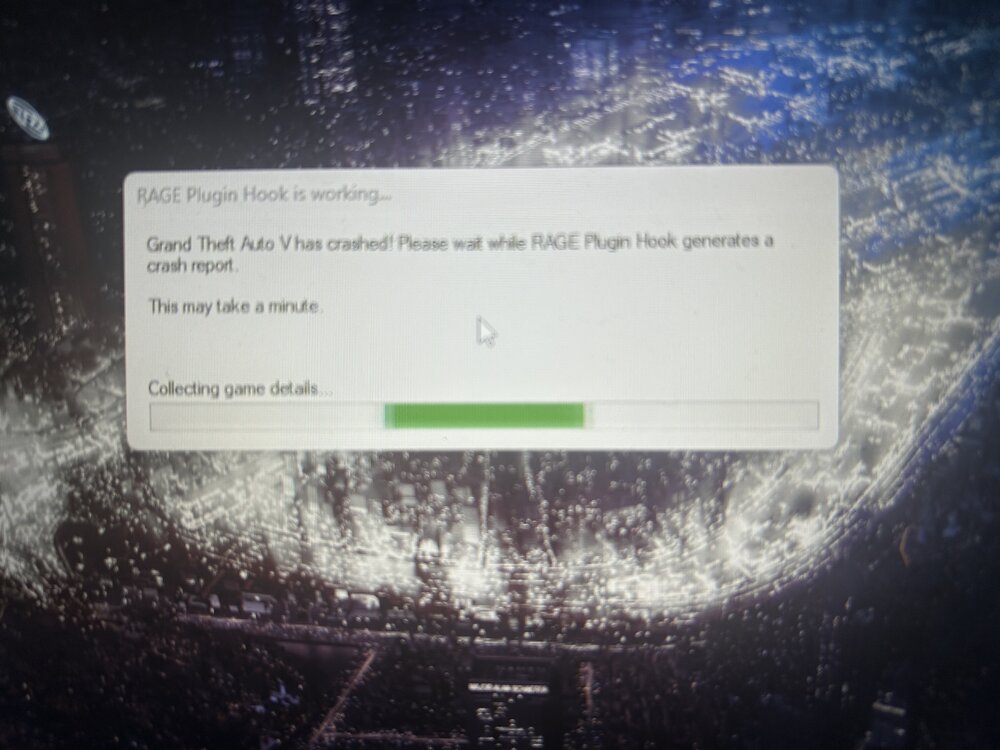
I’ve done everything followed tutorials, updated and make sure everything is up to date but no matter what and I mean no matter what rage brings up something saying the following. ”grand theft auto v crashed! Please wait while RAGE Plugin hook generates a crash report this may take a minute” then it says collecting game details but never shows a report. I have done this download with everything and nothing have reinstalled multiple times yesterday lspdfr was working couple crashes here and there but was able to fix it,but I woke up today tried to play and I can’t load at all nothing does. now I’m confused because gta5 runs just fine without rage but when I goto load it up boom it’s crashing i don’t know what I’m doing wrong. Considering I did everything right I only have the following installed which is :lspdfr,script hook v,script hook v.net and ragenativeui the bare bones what am I missing Been on this for the past 20 minutes