stinkysavid
Members
-
Joined
-
Last visited
Everything posted by stinkysavid
-
You need to delete the dlc.rpf file from the nve_vehicles folder in mods/update/x64/dlcpacks
-
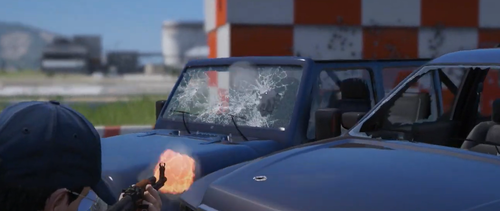 This needs an RDE compat patch so badly. Love both mods, always hard to pick between the two This is simply incorrect. This mod has a hard incompatibility with RDE. The edits it makes breaks the AI added by RDE and makes them stand still instead of shooting back at you. It also makes it so you cannot equip weapons or enter vehicles in LSPDFR if using both.
 -
This seems to be an issue with RDE 4.1, as I'm having the same issue. You may need to uninstall RDE. Hope this helps. If you're using Realistic Weapons Sounds, try using the compatibility patch for RDE.