Knox's Workshop
Members
-
Joined
-
Last visited
Everything posted by Knox's Workshop
-
 I want to hurt my self in many ways
 -
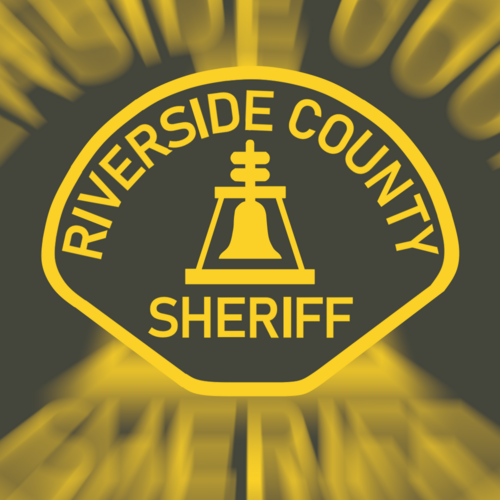 Coltic Modifications What We OFFER: 1. EUP Commissions 2. Livery Commissions 5. Dept Logos / Patches 6. Server Logos 7. Cinematic Video 8. Server Advertisements (Edited Photo / Thumbnails for Content) About us: We are a development discord made to provide HIGH quality EUP, Liveries and media for servers or other DEVS! We were founded in early 2024 by the owner Coltic to get funds for his FiveM server he wants to open! We hope you find a product you want, if not, open a COMMISION! Invite: https://discord.gg/gd8VFU3HPB