Skip to content
View in the app

A better way to browse. Learn more.

LCPDFR.com

A full-screen app on your home screen with push notifications, badges and more.

To install this app on iOS and iPadOS
  1. Tap the Share icon in Safari
  2. Scroll the menu and tap Add to Home Screen.
  3. Tap Add in the top-right corner.
To install this app on Android
  1. Tap the 3-dot menu (⋮) in the top-right corner of the browser.
  2. Tap Add to Home screen or Install app.
  3. Confirm by tapping Install.

LeoBenKai

Members
  • Joined

  • Last visited

Everything posted by LeoBenKai

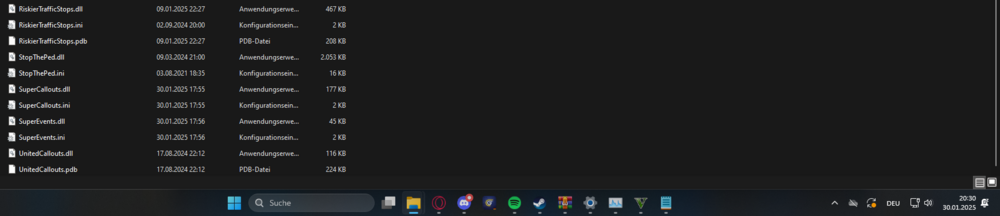
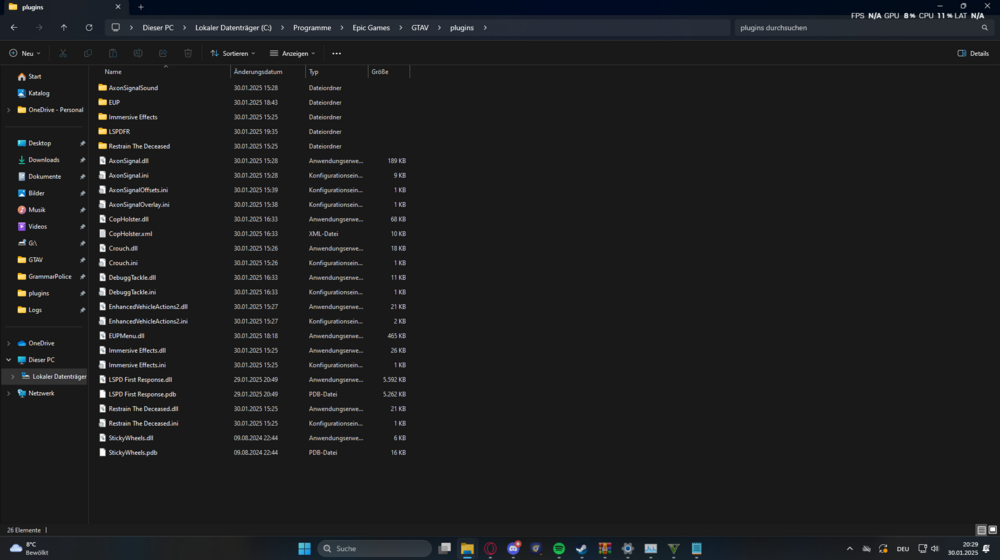
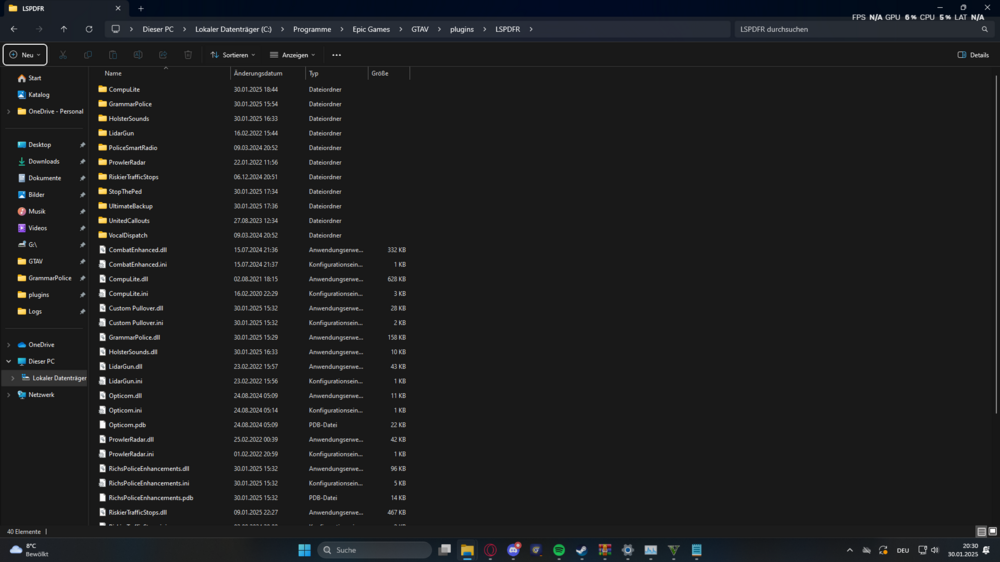
  1. Hello dear LSPDFR Community, I am very new to LSPDFR and have now started my first “project”. But some plugins do not work although I press the key assignment for them. For example ComputLife or Ultimate Backup, but also many more. I have set that all plugins start when starting RageHook. I have also downloaded all the requirements for the plugins. And I have the latest version of everything. But in the logs there is nothing about error messages but also nothing at all about the mentioned plugins. I would be very happy if someone can help me. You can find the logs below. Kind regards Here's a Photo from my Plugins file.
Account

Navigation

Search

Search

Configure browser push notifications

Chrome (Android)
  1. Tap the lock icon next to the address bar.
  2. Tap Permissions → Notifications.
  3. Adjust your preference.
Chrome (Desktop)
  1. Click the padlock icon in the address bar.
  2. Select Site settings.
  3. Find Notifications and adjust your preference.