


OfcGaviola
Members
-
Joined
-
Last visited
Everything posted by OfcGaviola
-
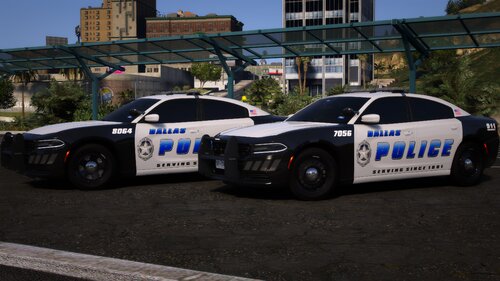 I absolutely love your work man, please keep it up! Right now (and for a little while) I've been using Dallas, Osceola, Orange and TX DPS from you Any chance this pack could be getting lore-friendly liveries one day?
 -
-
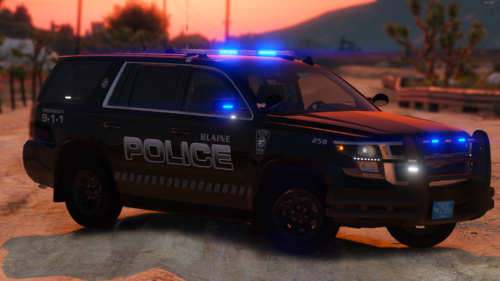 Awesome pack, thank you! Been waiting for something like this for a long time! One thing I noticed though - the 2020 Tahoe's only have a blue mirror light on the right side. Maybe it was just my game glitching because I was spawning so many vehicles at the same time but all 2020 Tahoe models seemed to only have the right side mirror light. edit: just my game glitching, all lights working after reload!
 -
 Love this pack! Any idea how I can get the rest of the vehicles? In my trainer I have slots for a bunch of LSPD, LSSD and at least 15 more SASP vehicles.
- 159 comments
- 10 reviews
-
After I installed NVE I don't have any headlight wig wags or strobes on my cars anymore. I realize I probably need to adjust some visualsettings but I can't for the life of me figure out which one. Can anyone help me? Thanks



