


pHagah
Members
-
Joined
-
Last visited
Everything posted by pHagah
-
Some pictures of a patrol I did today.
-
You always got amazing screenshots, Carrythxd!
-
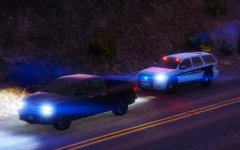 Sheriff Tahoe Chases Man with an Escape Warrant
 -
Been a while since I posted my last image, but I recently started playing again and got a nice screenshot :)
-
I got some very cool looking pictures today and had to share them here. Responding Code 3, Officer Down! ANPR Hit: Wanted for murdering a police officer
-
Thanks, TheUnit, means a lot to me coming from you :)! I run the game on Very High settings with depth of field on high including the Visual/Timecyc mod that Drcode3 has at the top of this thread because it has SweetFX included. I also have the Tir6 Lights Mod and the Improved Coronas mod. Tip: If you are taking a screenshot at night in the R* Editor, up the contrast and brightness a bit then add some saturation til you like what you see. This will improve the lights in screenshots by miles :). P.S: The lights look really awesome in-game even without the R* Editor if you are doing a patrol. Makes those pursuits on the highways and the night time patrols/chases in those bad neighborhoods even more awesome. Aaand that's how I did it. I'll make sure to post some more screenshots later on and maybe they'll be even better than those ;)
-
10-50, Officer involved in Vehicle Accident! Stop your car now! This is the LSPD!
-
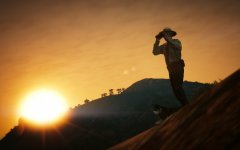 Thanks a lot, theninja35! :)
 -
-
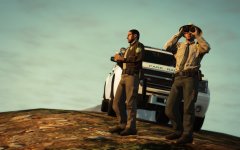 Park Rangers are the ones we rely on to Protect the Land of San Andreas
 -
I'll join in ;)
-
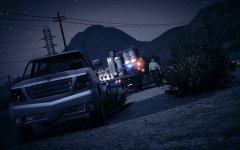 Sheriff responding to a Malicious Vehicle Damage call near San Chanski Mountain Range
 -
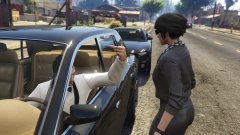 I lol'd so hard at this.
 -
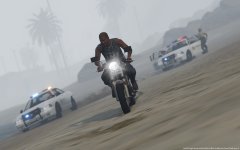
From the album: pHagah's Moments
LSSD chases a suspect through the beach near the Great Ocean Highway. -
Just a collection of some of my sweet moments in LSPDFR! I will be applying a lot of effects and do them in a cinematic style look, beacause I love stuff like that :)
-
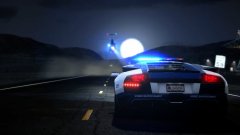 That's an awesome picture, Carrythxd. Love the Lightbar :)
 -
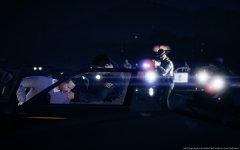
From the album: pHagah's Moments
LSPDFR FIB arresting a top wanted suspect with the help of Los Santos Sheriffs Department and Los Santos Highway Patrol. -
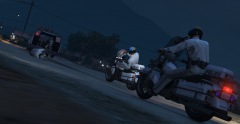 Highway Patrol Units move after a van full of armed people.
 -
Just a collection of some of my sweet moments in LSPDFR!


