


.png.8c109731345de7eaacc8d42ed360bbec.png)
NH Thunder
Members
-
Joined
-
Last visited
Everything posted by NH Thunder
-
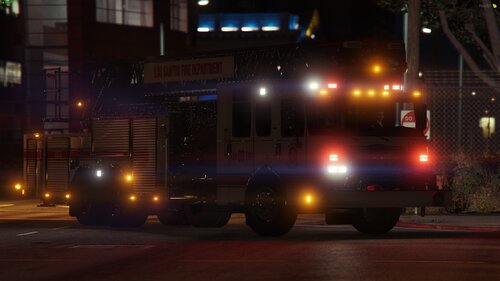 Does anyone know the key to putting the stabilizers out and down? The Discord link doesn't work...
 -
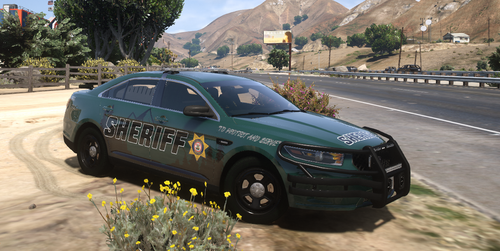 Hey sir, I installed lvc-fleet, and the default key to open the menu says it should be "o" but it is not opening, also when my server loads at start it says lvc-fleet community ID no found. i google how to get it and I cant find the URL or site to login into luxart admin login.
 -
Ok cool thank you
-
hello sir, is there a siren on this model or just lights? and if there is a siren how do I activate it and use it?
.thumb.png.7d77b34808b0188c6441882236cfff40.png)
