


Cartres
Members
-
Joined
-
Last visited
Everything posted by Cartres
-
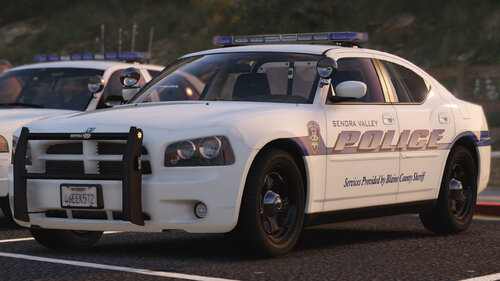 Feel free to keep an eye here for regular updates to the Massachusetts Mega Pack. Otherwise, I do not have a discord server - I've found they are too difficult to manage and I don't want to deal with that.
- 39 comments
- 16 reviews
-
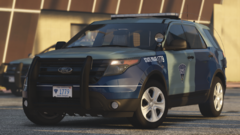
From the album: Project: Boston, Massachusetts
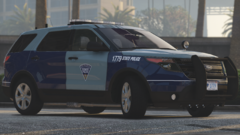
From the album: Project: Boston, Massachusetts
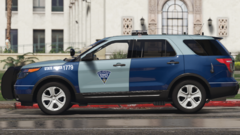
From the album: Project: Boston, Massachusetts
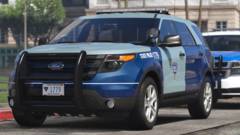
From the album: Project: Boston, Massachusetts
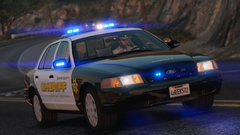 This is based off of the Massachusetts-based Berkshire County Sheriff!
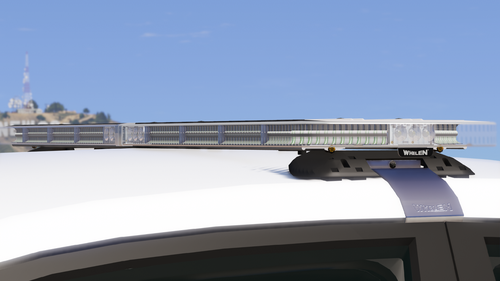 Missed the joke my friend, but that's okay.
help how do i install directly into openiv sorry pls im a noob and really want this bar thx
Missed the joke my friend, but that's okay.
help how do i install directly into openiv sorry pls im a noob and really want this bar thx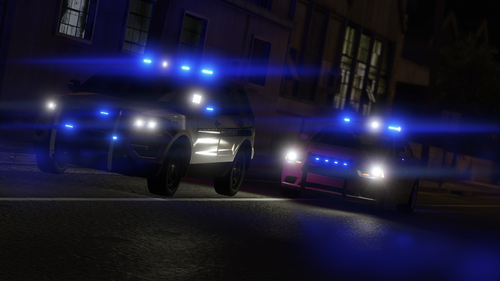 These vehicles are meant to work in their DLCs, and will not function properly without. I apologize, but there isn't any other option.
- 33 comments
- 18 reviews
-
-

- 1
-
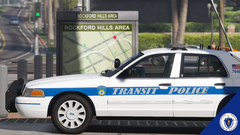
From the album: Project: Boston, Massachusetts
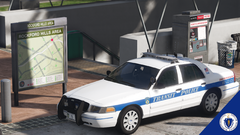
From the album: Project: Boston, Massachusetts
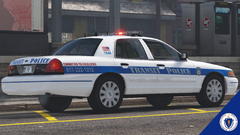
From the album: Project: Boston, Massachusetts
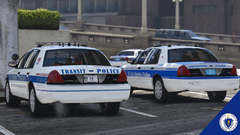
From the album: Project: Boston, Massachusetts
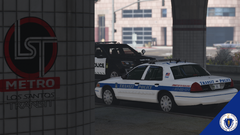
From the album: Project: Boston, Massachusetts
The handling line that it uses is the default Sheriff2 handling line that comes with GTA V. If yours is behaving oddly, you may need to check your vanilla handling lines to see if you've modified them.- 39 comments
- 16 reviews
The plate and foglights are controlled by carcols (I presume you're referring to the Tahoe). If you installed using the DLC instead of extracting the car files, they should be functioning properly -- others seem to not be having these problems. If you've followed my installation instructions, please check any other DLCs you have to make sure that you don't have any overwriting carcols or carvariations in them.- 39 comments
- 16 reviews
As I add more vehicles to this pack, they'll be added as addon cars. Most people prefer to replace the vehicles that NPCs use in the environment naturally, so I try to do both.- 39 comments
- 16 reviews


Account
Navigation
Search
Configure browser push notifications
Chrome (Android)
- Tap the lock icon next to the address bar.
- Tap Permissions → Notifications.
- Adjust your preference.
Chrome (Desktop)
- Click the padlock icon in the address bar.
- Select Site settings.
- Find Notifications and adjust your preference.
Safari (iOS 16.4+)
- Ensure the site is installed via Add to Home Screen.
- Open Settings App → Notifications.
- Find your app name and adjust your preference.
Safari (macOS)
- Go to Safari → Preferences.
- Click the Websites tab.
- Select Notifications in the sidebar.
- Find this website and adjust your preference.
Edge (Android)
- Tap the lock icon next to the address bar.
- Tap Permissions.
- Find Notifications and adjust your preference.
Edge (Desktop)
- Click the padlock icon in the address bar.
- Click Permissions for this site.
- Find Notifications and adjust your preference.
Firefox (Android)
- Go to Settings → Site permissions.
- Tap Notifications.
- Find this site in the list and adjust your preference.
Firefox (Desktop)
- Open Firefox Settings.
- Search for Notifications.
- Find this site in the list and adjust your preference.