
hashbrown
Members
-
Joined
-
Last visited
Everything posted by hashbrown
-
-
-
 I do not have a discord server, sorry.
 -
-
-
-

From the album: LSPDFR/FiveM
-

From the album: LSPDFR/FiveM
-
From the album: LSPDFR/FiveM
-

From the album: LSPDFR/FiveM
-

From the album: LSPDFR/FiveM
-

From the album: LSPDFR/FiveM
-

From the album: LSPDFR/FiveM
-
-

From the album: LSPDFR/FiveM
-

From the album: LSPDFR/FiveM
-

From the album: LSPDFR/FiveM
-

From the album: LSPDFR/FiveM
-

From the album: LSPDFR/FiveM
-

From the album: LSPDFR/FiveM
-

From the album: LSPDFR/FiveM
-
Not a problem! I will try to update it as soon as possible with the next game build
-
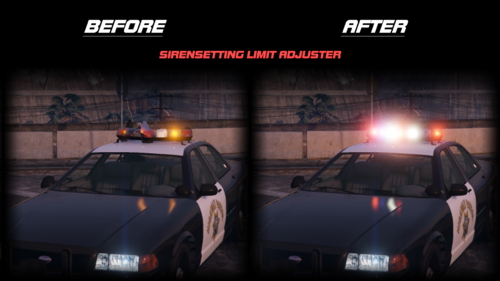
Noticing that there have been comments for a 3407 Build update and having issues myself, I wanted to attempt to take it upon myself to update @BlueSaints edit for FiveM. The rest of this description will be pulled straight from his upload. I am not taking any credit for this other than getting it up to date. Supported FiveM Builds: 1604, 2060, 2189, 2372, 2545, 2612, 2628, 2699, 2802, 2944, 3095, 3258, 3323, 3407, 3442, 3504, 3521, 3570, 3586, 3717 Spoiler