
PookiethePOPO
Members
-
Joined
-
Last visited
Everything posted by PookiethePOPO
-
Thanks bud.
-
This started recently with Ultimate Backup. I have never had an issue with the plugin. I have been through the forms for two days trying to get a solution and I can't. can anyone please help me? RagePluginHook.log
-
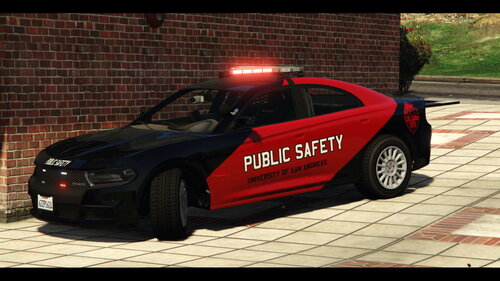 This is hands down my favorite skin pack for these vehicles.
 -
Go to your root directory and delete args.txt (You can rename it aargs.txt if you don't want to delete it).
-
More than welcome bud.
-
Hey bud. This might help. Delete Rockstar Game Launcher and Rockstar SDK then Reinstall them. Once you have done that disable Battle Eye in the Rockstar Launcher Settings. After this navigate to your root directory and delete. args.txt (You can rename it aargs.txt if you don't want to delete it). From there launch it RagePluginHook and your game should fire right up. This is what helped me and it comes from the RagePluginHook Discord Support channels.
-
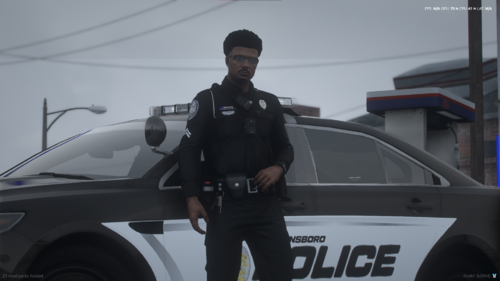 I'll give you a haller about it Friday. This is definitely something I'd like because GPD is a allied agency for the one I work for.
 -
I don't and I wish I did