Skip to content
View in the app

A better way to browse. Learn more.

LCPDFR.com

A full-screen app on your home screen with push notifications, badges and more.

To install this app on iOS and iPadOS
  1. Tap the Share icon in Safari
  2. Scroll the menu and tap Add to Home Screen.
  3. Tap Add in the top-right corner.
To install this app on Android
  1. Tap the 3-dot menu (⋮) in the top-right corner of the browser.
  2. Tap Add to Home screen or Install app.
  3. Confirm by tapping Install.

IDreamz

Members
  • Joined

  • Last visited

Everything posted by IDreamz

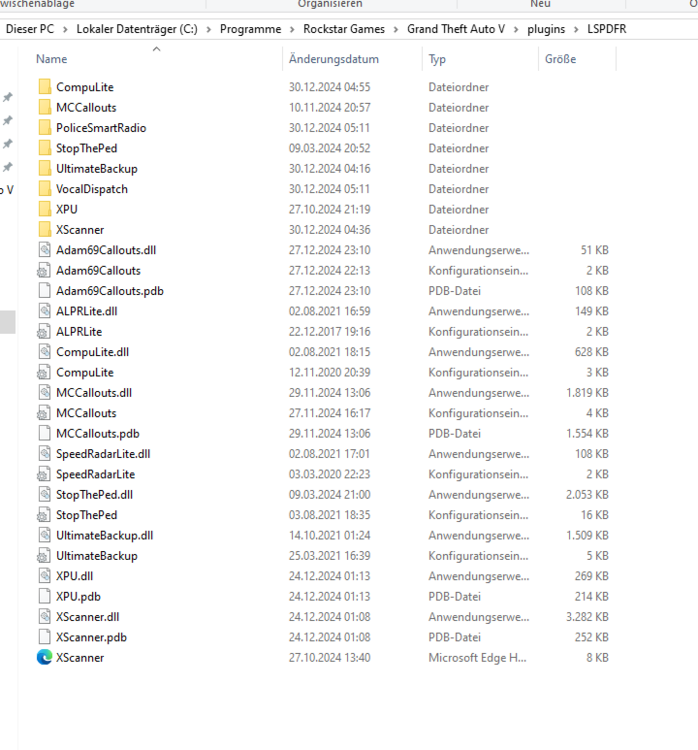
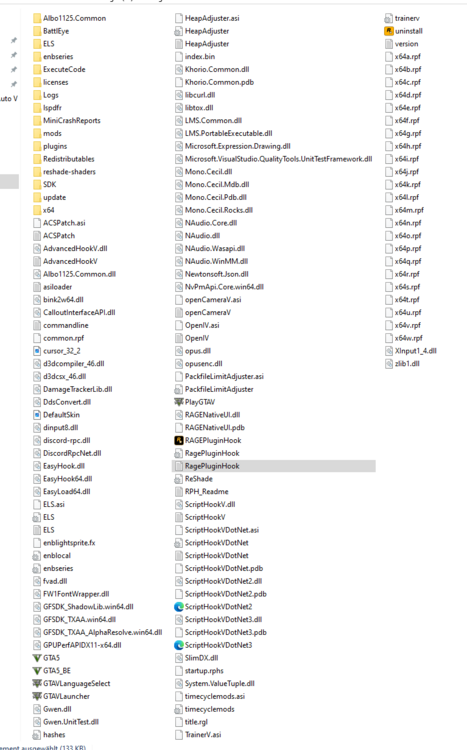
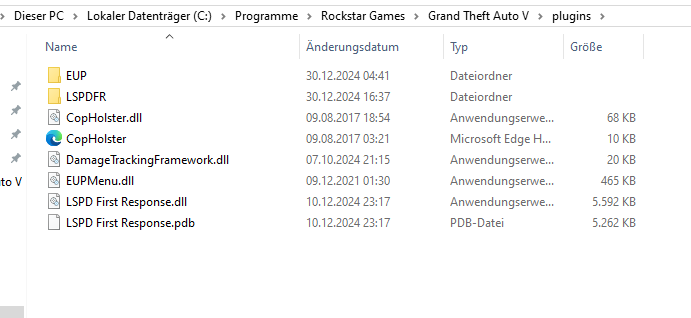
  1. Hello dear LSPDFR community, I’ve encountered a problem, and I’m hoping for your help. After a while away, I decided to dive back into LSPDFR, hyped and ready to grind some hours in the game. Everything seemed fine i installed the usual mods not too many, to avoid crashes and also added Natural Vision Remastered. The game runs smoothly when I load in, but as soon as I accept a callout, the game crashes. I’ve checked the crash report, but there doesn’t seem to be any clear error or helpful information I can make sense of. I’d greatly appreciate your assistance with this issue. I would be Thankful for some Help !!! RagePluginHook.log
Account

Navigation

Search

Search

Configure browser push notifications

Chrome (Android)
  1. Tap the lock icon next to the address bar.
  2. Tap Permissions → Notifications.
  3. Adjust your preference.
Chrome (Desktop)
  1. Click the padlock icon in the address bar.
  2. Select Site settings.
  3. Find Notifications and adjust your preference.