


DeepPoseidon
Members
-
Joined
-
Last visited
Everything posted by DeepPoseidon
-
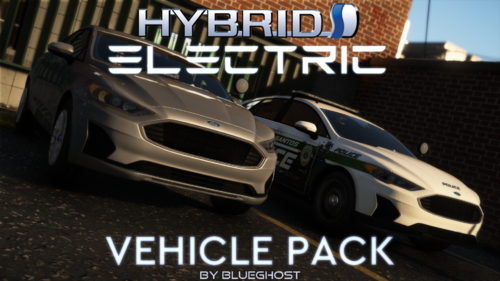 The 2019 Toyota Avalon Limited Hybrid (Slicktop/Unmarked) is not recognized as a police vehicle so I cannot use radar lite or ALPR Lite due to it saying "You must be in a police car to use radar"
- 48 comments
- 8 reviews
-
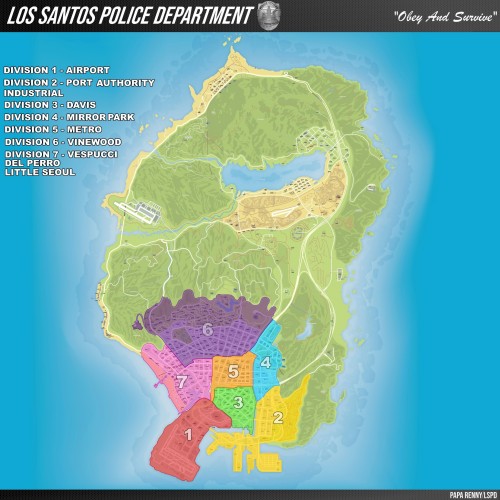 Dose not work, I have installed with OpenIV the way the ReadMe file said, there are no colours on the map nor any numbers,
- 26 comments
- 3 reviews
-
My point being you could be in a pursuit with a vehicle that has 4 occupants, and by the time you have arrested, booked and called transport for one you're driving half way across town to get the other, I feel the AI should be more pro-active here in arresting PEDs since you're a department and not a 1 man team. I would love for any plugins that fix this.
-
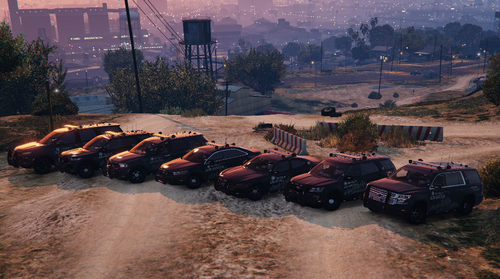 I might be dumb or something but how do we spawn in the cars? I installed it into all the paths as shown in the readme text but in game I can't get them? I got the Sheriff pack to work but when I type spawn in the F4 trainer for the police cars it has an error?
- 244 comments
- 16 reviews
-
Why are the AI so bad at chasing a suspect on foot? The just run behind them and that's it they don't even tase them it's so infuriating I have to do everything myself. Any good suggestions for this?
-
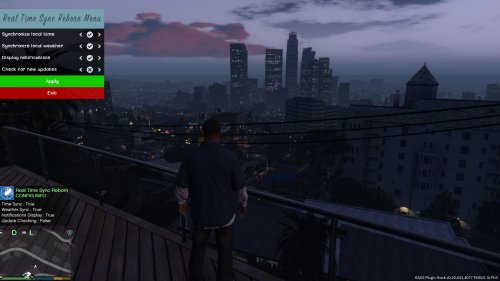 How do we use the API key? Do we just copy and past the API key or do we have to select a location in openweathermap.org? I am so confused. Or will it automatically sync with the location you put in the ini file?
- 125 comments
- 11 reviews
-
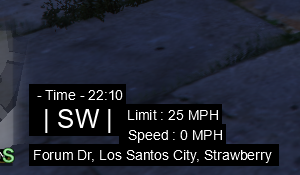 I want it down near the mini-map like yours but for the life of me can't figure out 2560x1440
- 200 comments
- 22 reviews
-
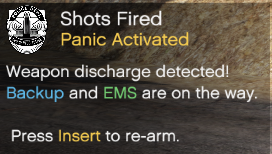 I would love to know also, because that is what keeps me getting shot.
 -
It's not a bad plugin, however it is annoying when someone pulls their weapon on you and you fire your guy stops to play with his radio leading you to still getting shot because you can't fire at the suspect. You have to press insert on your keyboard to reset the panic button
-
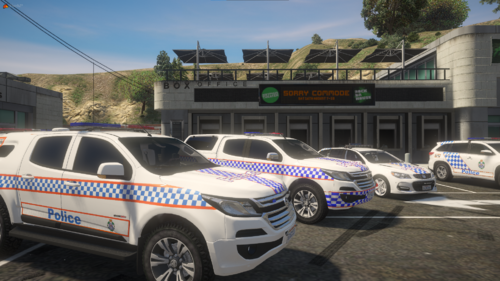 It's a nice concept, but some of these liveries are not realistic to what they have in real life, and some of the car's aren't part of the QPS fleet, as a Queenslander looking for a nice Queensland pack that's a big let down for me.
 -
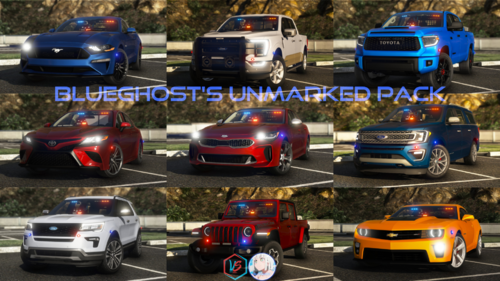 How do I use the vehicle and spawn them? I downloaded and installed via the OIV installer package but they're not in my police garage so I have no idea how to spawn them to use. Please help.
- 485 comments
- 78 reviews

