


CTRLFREAK
Members
-
Joined
-
Last visited
Everything posted by CTRLFREAK
-
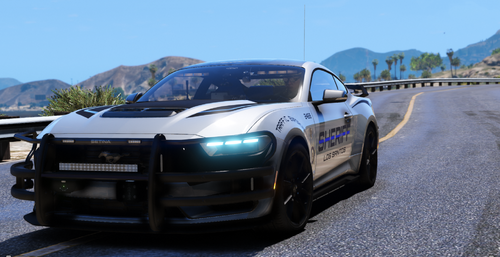 I tried this and it doesnt show up for me. Ive installed everything correctly and It doesnt show up in the RPH console
 -
I had installed the vehicle following the instructions. it worked and i played for a bit and then went to bed for the night. When I woke up the next day to play, my game wouldn't boot up (not sure if related). I ended up deleting and reinstalling everything GTA V and LSPDFR related. I have added the car again following the instructions and when I go to use Rage console to spawn it in, It doesn't show up in the console and I cannot spawn it in. If someone could please help me I will love you forever i've been working on this for like 2 days straight and cannot figure it out
