cschnur
Members
-
Joined
-
Last visited
Everything posted by cschnur
-
 Love it! The detail is second to none in the games for ISP! Love the selection of vehicles, and choices. Can't wait to see the reworked pack! A+
- 164 comments
- 17 reviews
-
-

- 1
-
-
Troop 8! Here's some more pictures for some more future ideas! I love the pack, and think it's the best of the best! A+
- 164 comments
- 17 reviews
-
-
- 2
-
-
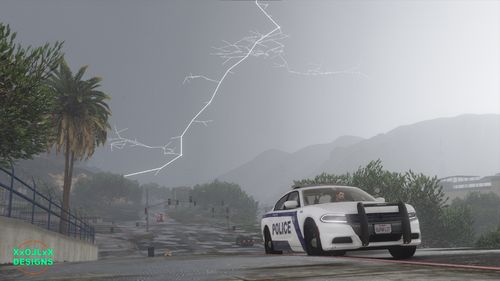 Where are the templetes for the 2016 Explorer, and the Taurus?
 -
Any possibility of adding the 100th aniversary car? As well as the new Explorers with the more aggressive bumper bar (seen in picture 3.)? My troop #8 has a few new explorers in gray unmarked, as well as the same as tat 3-346 pictured below. Would also be cool to see their F-150s added.
- 164 comments
- 17 reviews