Skip to content
View in the app

A better way to browse. Learn more.

LCPDFR.com

A full-screen app on your home screen with push notifications, badges and more.

To install this app on iOS and iPadOS
  1. Tap the Share icon in Safari
  2. Scroll the menu and tap Add to Home Screen.
  3. Tap Add in the top-right corner.
To install this app on Android
  1. Tap the 3-dot menu (⋮) in the top-right corner of the browser.
  2. Tap Add to Home screen or Install app.
  3. Confirm by tapping Install.

JWilsonTV

Members
  • Joined

  • Last visited

  1. JWilsonTV changed their profile photo
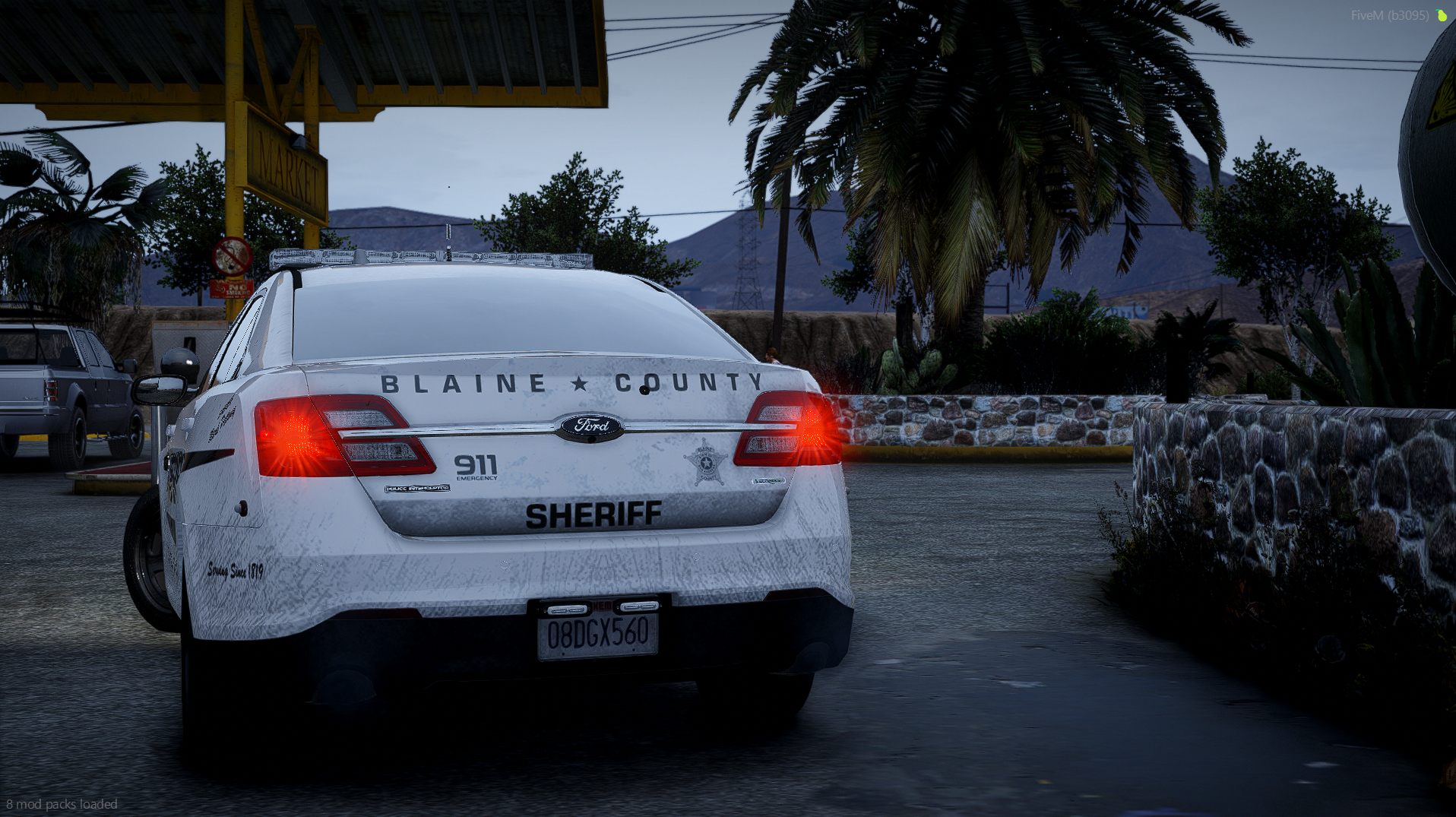
  2. I typically fix issues by searching things up or asking a friend. But this time, I can't. Nothing helps, nothing works. I can't equip a weapon from my officer's weapon wheel while on duty. The wheel opens and it shows me my weapons, but I can't equip it. Even if it does equip, It sits on the characters hands in a very weird way and you can look at the attached files for the image. Along with this, I cannot melee anyone or anything. (no punching or kicking) and I also cannot enter a vehicle. I can spawn inside vehicles, but once I get out, I can't get back in. I have been having this problem for 24 complete hours now to the point where I had to create an account on this website to ask for support. I also have a RPH log from today's gameplay. Thank you to anyone who may be able to find a solution. RagePluginHook_18122024_160614.log

Account

Navigation

Search

Search

Configure browser push notifications

Chrome (Android)
  1. Tap the lock icon next to the address bar.
  2. Tap Permissions → Notifications.
  3. Adjust your preference.
Chrome (Desktop)
  1. Click the padlock icon in the address bar.
  2. Select Site settings.
  3. Find Notifications and adjust your preference.