1x1x1
Members
-
Joined
-
Last visited
Everything posted by 1x1x1
-
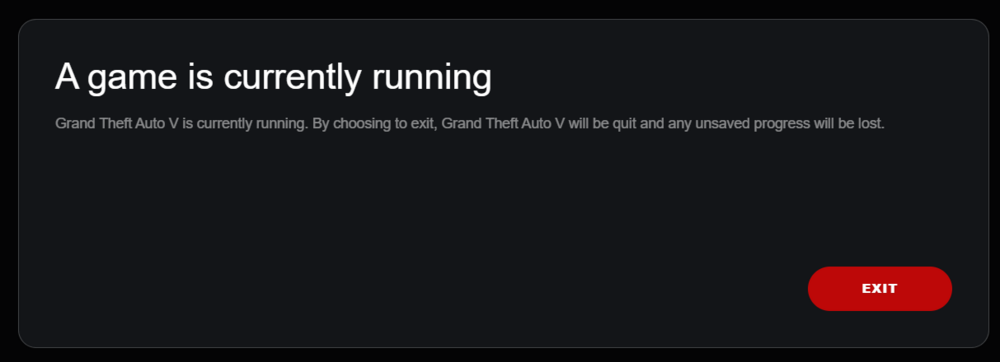
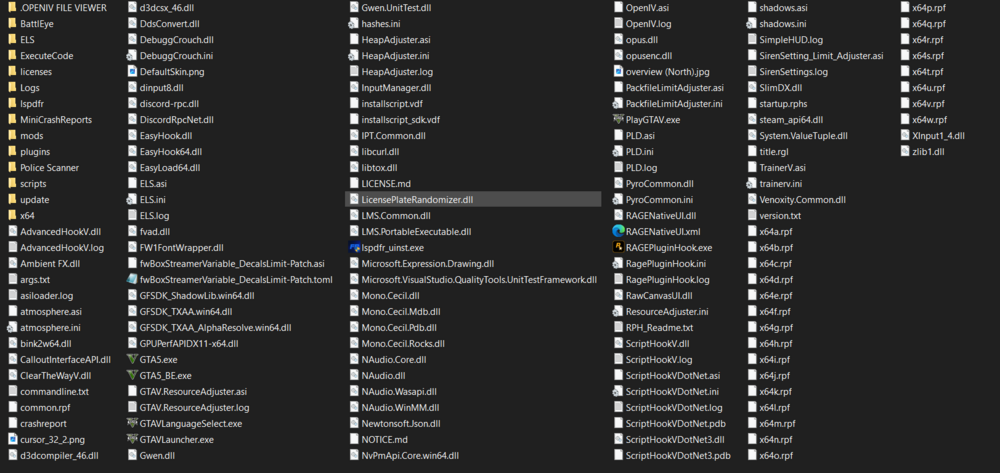
MY GTA game loads ONLY when dinput8.dll is removed/renamed. I only started to get this error from updating RPH from the LSPDFR Manual Install files and ScriptHookV to the newest game build 3411. What did I do? RPH launcher gets stuck on "This is taking longer than usual" or "Waiting for game window" Rockstar Launcher gets stuck on "A game is currently running" This message only shows because GTA 5 is running in task manager when loaded through Steam but there is no game window. Things I tried to resolve this issue with no solution: - Renamed mods folder to "_mods" - Removed ASI files one by one to narrow down the problem - Ran Rockstar Launcher/Steam as admin - Verified file integrity through Steam - Updated GeForce drivers - Run GTA 5 on Steam then immediately run RPH - Disabled anti-virus - Reinstalled LSPDFR files Any way to fix this without uninstalling GTA 5 or mods? This is what's in my Grand Theft Auto Directory.

-
Update: So I've managed to narrow down the issue to the vehicles.meta file. But Open IV editor says nothing is wrong with it. I replaced it with the vanilla meta file and the game runs fine. Im guessing my modded meta file got corrupt somehow. Only vehicles I really edited before this issue were police 1-4, fbi 1-2, sheriff 1-2, policeold 1-2, and crusader. Any way to solve this without losing the tweaks I made? vehicles.meta
-
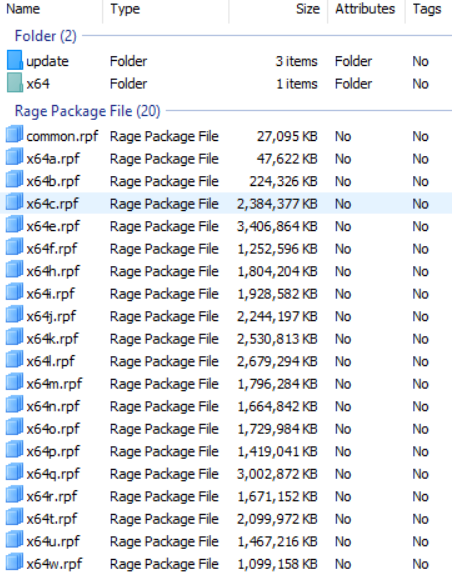
Hello everyone, RPH immediately freezed and crashed when loading into story mode. RagePluginHook.log It would load normally until the bikini girl png and it would freeze and crash. Renamed mods folder to "_mods" and GTA runs fine and has nothing to do with plugins, scripts, lspdfr, etc. I know it has something to do with my mods folder but I'm not sure what it could be. Things I installed beforehand and tried to fix/reverse: - Replaced policeold1, policeold2 .ytd and .ytf with FPIU and Charger models in x64e -> deleted these files and launched RPH, it still crashed. My x64e is mostly car mods and didnt affect RPH so this eliminates x64e as the problem. - I had VisualV and Realism Beyond installed, I also tweaked handling, vehicles .meta files and visualsettings.dat file. -> I uninstalled Realism Beyond but the game still crashed. - Idk if this is relevant or could be a contributing factor to this crash but when everything was running fine, I was also struggling with EUPMenu.dll crashing -> I replaced RageNativeUI, ScripthookV, etc with the latest updated ones but still couldn't fix the EUP menu crashing so I left it as is. Conclusion I know the constant crashing has nothing do with my x64.rpf files in my mods folder. I do believe it has something to do inside the update, x64 folder and common folder, update.rpf and and maybe with common.rpf, im just not sure what I tweaked or replaced. If anyone could provide guidance or tips to solve this it would be greatly appreciated. Thank you.