


Mistablaze
Members
-
Joined
-
Last visited
Everything posted by Mistablaze
-
-
-
-
-
-
After playing some callouts and ended it properly, my "Y" key cannot accept anymore callouts. I'm tired of going of duty and reloading all plugins again just for the "Y" key to be able to function properly again. Tried "clear task", "Clean world", etc.. but nothing happens. This is not my first time having this issue, sometimes I can play long hours without having this issue but in some point it bugs. Can someone help me with this? TIA.
-
i'm just gonna revert back to 3351
-
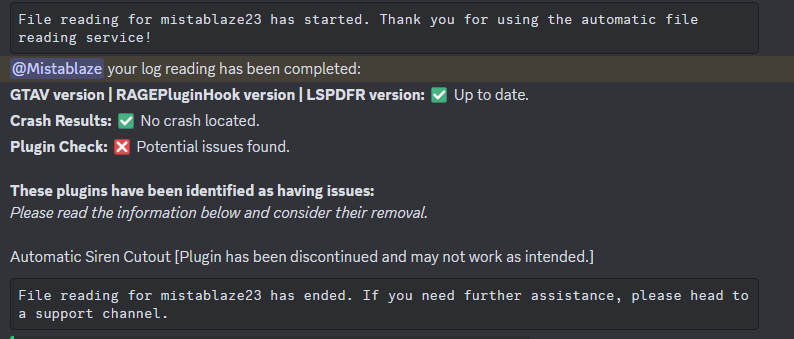
jeez. it is the dinput8.dll. so how we gonna play lspdfr now so the scripthook is oudated because gta v updated again 3411, so we're gonna wait again.
-
have the same issue right now. verifying through steam doesn't fix the error.
-
 now the fire won't end even in character and fire extinguisher can't end flames
 -
 Mod has great potential, but it doesn't work on my end.
- 53 comments
- 5 reviews
-
- rph
- lspdfr plugin
- legacy
- rph
-
Tagged with:

