


albtrov
Members
-
Joined
-
Last visited
Everything posted by albtrov
-
G to open context menu for stop the ped and B to open ultimate back up. Yes I know I have to be on duty.
-
Hi, I still can’t play lspdfr should I re-download everything?
-
I can’t find those files in plugins/LSPDFR to move them.
-
Here it is. RagePluginHook.log
-
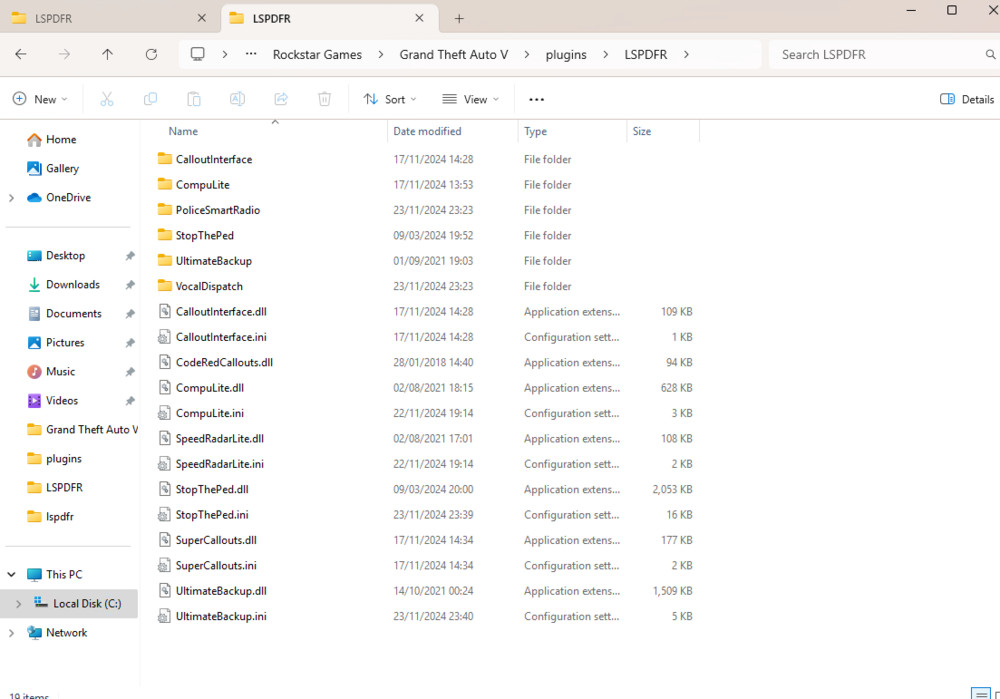
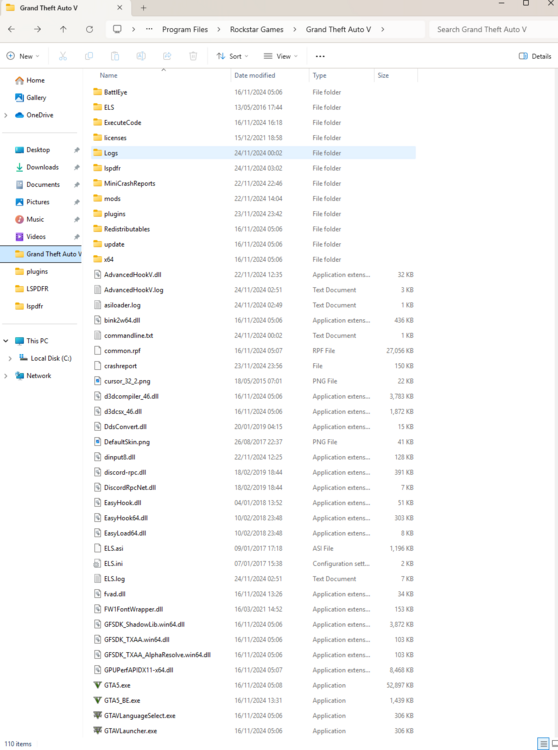
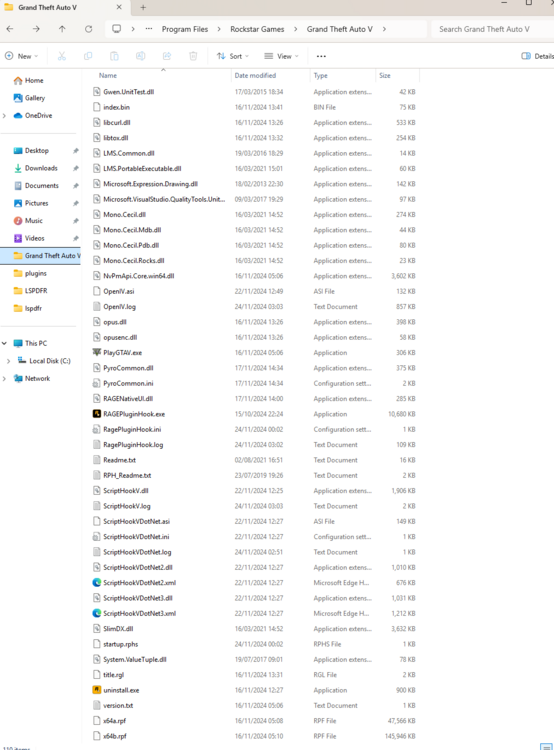
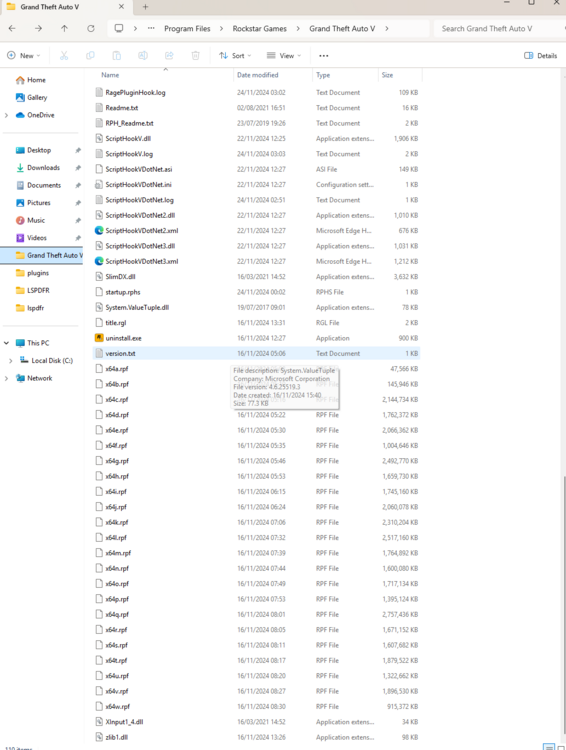
Hi, screenshot as requested :). I should probably mention that I haven't messed around with the inputs and everything is default.
-
Hello, so I’m new to lspdfr and installed all the recommended add-ons and so on. Everything worked perfectly for a while and then I changed my graphics settings while in lspdfr and suddenly I couldn’t go into the mod anymore. I found a fix by changing a setting on rage plugin and it worked. However, now I can’t use the context menus for these add-ons even tho the mod is telling me everything is successfully installed when I go on duty. Could anyone please help me out? I am new to modding and pc gaming in general. Thanks.


