


mujali94
Members
-
Joined
-
Last visited
Everything posted by mujali94
-
I removed JM Callouts and it seems to be working.
-
After loading in LSPDFR and going on duty, I noticed my game would suddenly freeze and then crash to the desktop. Any help would be appreciated 😃 RagePluginHook.log
-
I checked the line in UB. I copied another line and changed the numbers and it worked. Not sure exactly what happened but thanks for the help!
-
Now its saying there is a crash somewhere. RagePluginHook.log
-
I figured out that I when I went to change the key, I made a typo lol thank you for reaching out and offering your assistance! Always appreciated 😃
-
I am having an issue all of a sudden with EUP Menu not showing when I press the designated key for it. Any help would be appreciated 😃 RagePluginHook.log
-
Yes. I placed the dll file back in and everything is loading back now. Thank you again! 🙌🏾
-
New issue... ELS and my native trainer that I had will not work now. NVM. I forgot to add back in scripthookv.dll when I removed it.
-
Ok. Will try that.
-
Seems to be working fine now! Thank you so much for you help again 😃
-
ScriptHookV.log
-
Seems to have worked! The game is not crashing. Does that mean I have to wait for a scripthook update?
-
It has the most updated rage
-
-
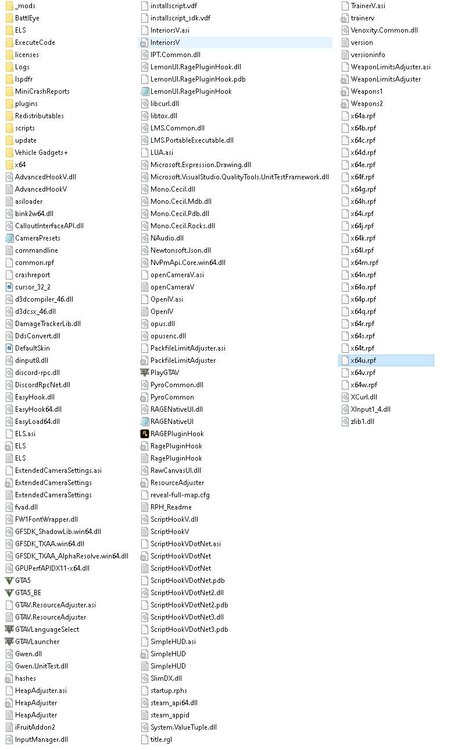
I renamed the mods folder and yet it is still crashing after loading into game. RagePluginHook.log
-
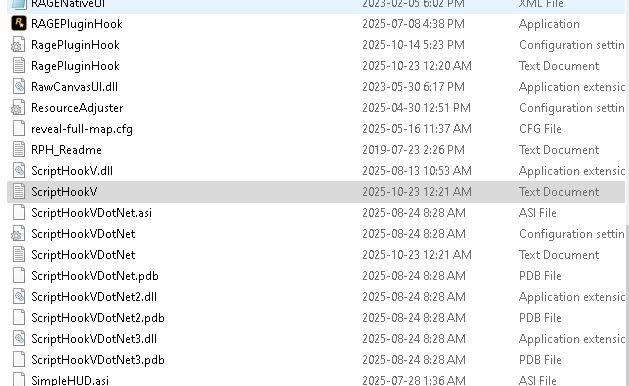
Yes I do.
-
RagePluginHook.log
-
Issue is still happening.
-
I tried that. It is doing the same thing. I opened it with steam and it loads into game then about 10 seconds in it just crashes to desktop. With RPH, it doesn't even make it to the game just crashed to desktop right after loading screen.
-
Topic pretty much sums up the issue. If anyone can offer a hand to figure out what is going on would greatly appreciate it. RagePluginHook.log
-
I followed what you said and now when gta loads in game in 5 seconds it crashes to the desktop without any errors. RagePluginHook.log
-
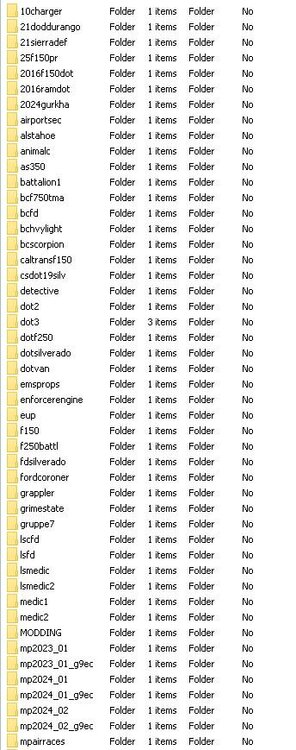
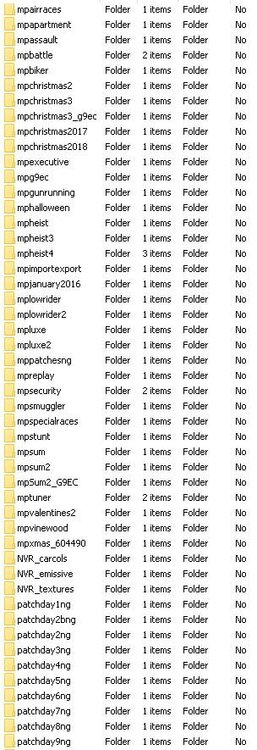
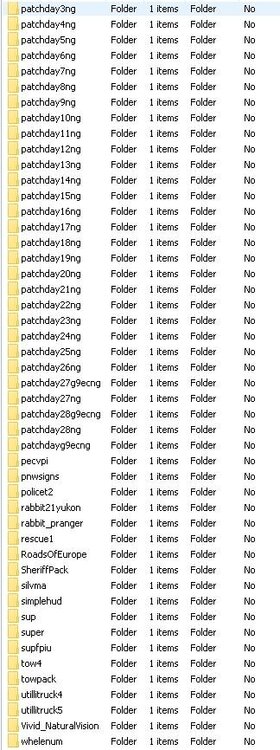
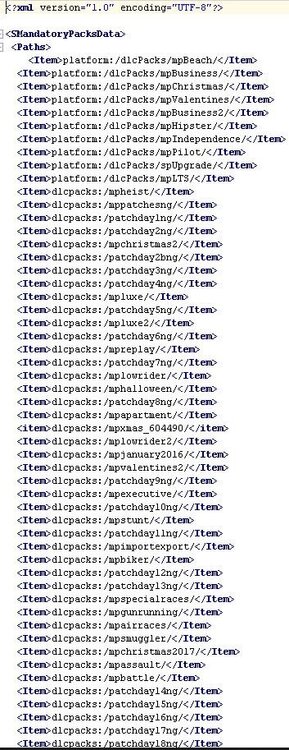
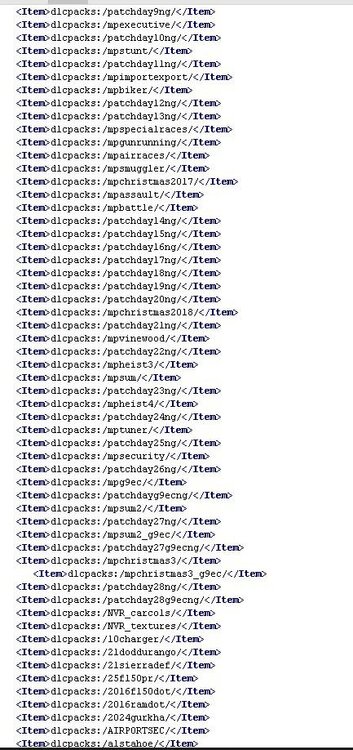
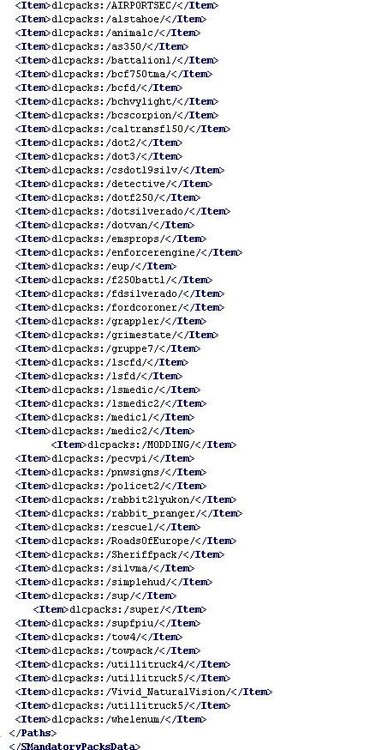
I tried your recommendations and the game seems to be running smooth now. Got another question if you could help, I have a few add on vehicles and when I try to add more their names won't show up in the add on list in the trainer. Would it be due to too many add ons in open iv?
-
I tried your recommendations and the game seems to be running smooth now. Got another question if you could help, I have a few add on vehicles and when I try to add more their names won't show up in the add on list in the trainer. Would it be due to too many add ons in open iv?
-
You are the best! I will try your suggestions out and let you know. Thank you 😃
-
RagePluginHook.log I tried that and it is still crashing in game.


