


SVR11
Members
-
Joined
-
Last visited
Everything posted by SVR11
-
 Would you be able to do a Blaine county version?
 -
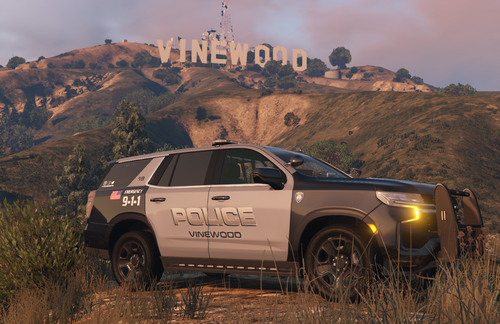 The US flag is facing the wrong way on the right side of the vehicles. Unless you intentionally set them so they both face to the rear of the vehicles. To be facing forward or to the front, the stars need to be near the tail lights on both sides of the vehicle.
 -
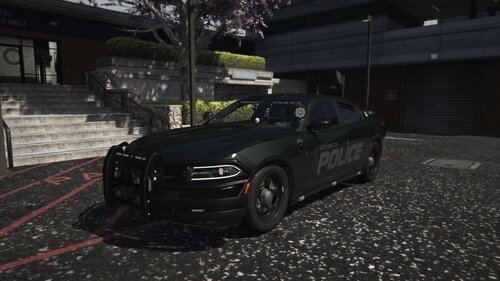 I use QuantV graphics, I wonder if that has something to do with it. I also noticed the greenish tint in the EUP pack pictures that goes with this livery pack
- 30 comments
- 3 reviews
-
Nice liveries, just one concern....how come they look kinda greenish in the in-game sun? I even set the colors in the carvariations file to black and that didnt help
- 30 comments
- 3 reviews
-
 NVM, I'm dumb... I didn't realize that PDN was completely blacking out the windows... smh thanks for the help anyway!
 -
Yes I have ELS and script hook V. SHV up to date as well. So I noticed that it messes up whenever I remove the "Sheriff" word from the back window of the 21Tahoe. I'm using PaintDN. So I grabbed your Window file and plugged it into PDN. I removed SHERIFF and then filled it back in with the same color as the rest of the window. But then when I go in game, it messes up ELS and stage 1 & 2 lighting won't work
-
I'm having a problem with ELS. I created custom liveries for this pack and replaced the livery for the 21Tahoe with mine. In game, the ELS for the 21Tahoe isn't working for stage 1 & 2. Just stage 3. I do not have this problem with any of the other vehicles in this pack even tho I changed the liveries on them as well. Any clue as to why that could be happening? I made sure not to change the livery file name as well. I do also have all the essential plugins required (SSLA, Game Config, PackLife, etc.)
-
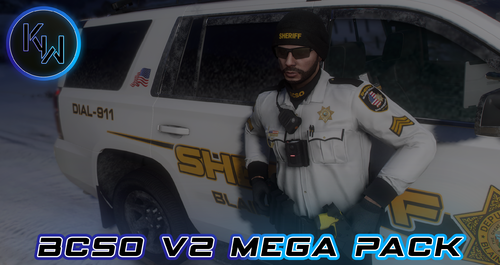 As someone mentioned already without a response, there is only 1 folder for female characters in the replace version of this pack. There isn't anything in that folder. Can you please update to include female peds? Thank you
 -
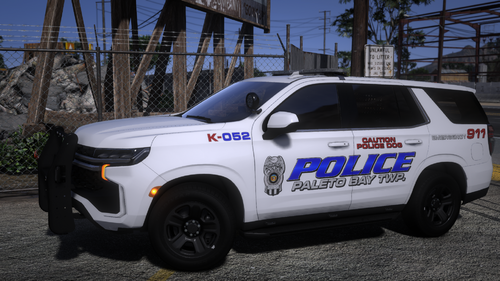 Great vehicles and nice liveries, just confused about the ELS. So are these Non-ELS or ELS? I cannot run the 3 stages of lighting on these vehicles separately.
- 31 comments
- 9 reviews
