Jwpalau
Members
-
Joined
-
Last visited
Everything posted by Jwpalau
-
 Absolutely perfect idea but doesnt work? pressed shift+k after installing correctly and nothing.
- 14 comments
- 1 review
-
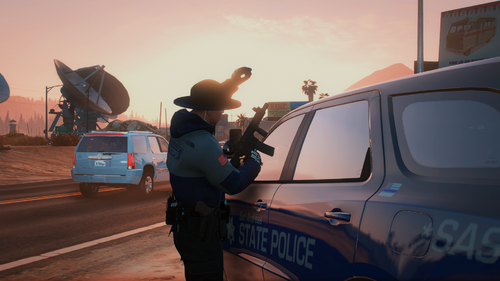 what mod are you using for the bodycam sound? been trying to look for that exact audio file
- 10 comments
- 1 review
-
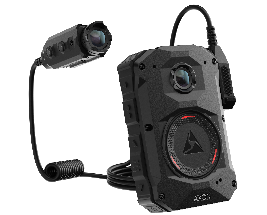 would prob be top 10 trending if you just had a "no vibration" version, and maybe slightly higher qual audio.
- 1 comment
- 2 reviews
-
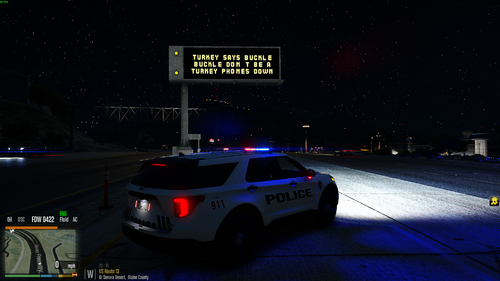 I would give you my first born for the "message-board" mod files.
 -
 Original liveries keep spawning I've edited all the .ytd files correctly like i've done for other packs, but the original "FHP" liveries still spawn in game 50% of the time despite them being deleted via OpenIV. is there something I'm not seeing?
- 133 comments
- 20 reviews
-
Hey guys, I have had this mod, and EUP Dowloaded through LML and have been playing for a few months now. Today, I tried Editing the Customregions.xml to make the sheriff deputies/cars respond through UB when in davis, strawberry, etc. and editing different cars to respond. on one of my test runs, all NPC models spawned through UB wore random clothing. in attempt to fix, i reinstalled UB configurations. didn't work. uninstalled/reinstalled eup. nothing. emptied my customregions.xml to just <ultimatebackup><ultimatebackup>... didn't work. All of my EUP outfits, random patrolling peds, and non UB spawned models are perfectly fine. i get no exception notification or misread of xmls. any idea of how to fix? been at it for a solid 6 hours. (both mods are showing the same version compatibility for EUP so its not that either)