Teh Tarik
Members
-
Joined
-
Last visited
Everything posted by Teh Tarik
-
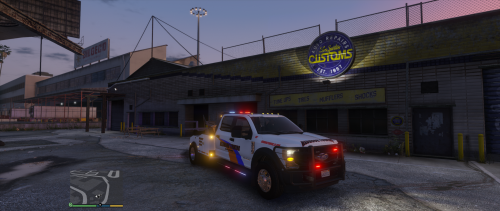 For those who want to disable the siren try edit the XML file for els at sound sector: <SOUNDS> <MainHorn InterruptsSiren="true" AudioString="SIRENS_AIRHORN" /> <ManTone1 AllowUse="false" AudioString="VEHICLES_HORNS_SIREN_1" /> <ManTone2 AllowUse="false" AudioString="VEHICLES_HORNS_SIREN_2" /> <SrnTone1 AllowUse="false" AudioString="VEHICLES_HORNS_SIREN_1" /> <SrnTone2 AllowUse="false" AudioString="VEHICLES_HORNS_SIREN_2" /> <SrnTone3 AllowUse="false" AudioString="VEHICLES_HORNS_POLICE_WARNING" /> <SrnTone4 AllowUse="false" AudioString="VEHICLES_HORNS_AMBULANCE_WARNING" /> <AuxSiren AllowUse="false" AudioString="VEHICLES_HORNS_SIREN_1" /> <PanicMde AllowUse="false" AudioString="VEHICLES_HORNS_POLICE_WARNING" /> </SOUNDS> Basically, turn off all the siren sound. Set them all to false, didn't disable the airhorn tho.
- 24 comments
- 1 review