kerimkapln
Members
-
Joined
-
Last visited
Everything posted by kerimkapln
-
I turned off the windows defender than i played the game like 20 25 minute but its get crashed after that. I really dont know the problem
-
İ download Stop The Ped,Ultimate Backup,CompuLite mod but when i go to duty game crashing. Does anyone know solution for that ? Plugins loaded at the time of the crash: LSPD First Response by G17 Media. No plugin was ticking at the time of this crash. Base address: 00007ff65cdc0000 Exception address: 00007ff65d5af815 Exception offset: 007ef815 Exception code: 0xc0000005 (EXCEPTION_ACCESS_VIOLATION) RagePluginHook_13112024_213906.log
-
Guys i fix the problem you need to download all of bejoijo sub mods . If you dont download all of the sub mods stop the ped mod won't work.
-
no man i did this every thing exactly same in this video but the stop the ped menu does not poping up on my screen
-
Did you find any solution about that problem ?
-
i got the same problem man did you fix it or still having the same problem ?
-
How did you figure it out man cuz i got the same problem. It says press E twice the open ped menu but when i press E twice it doesnt pop up.
-
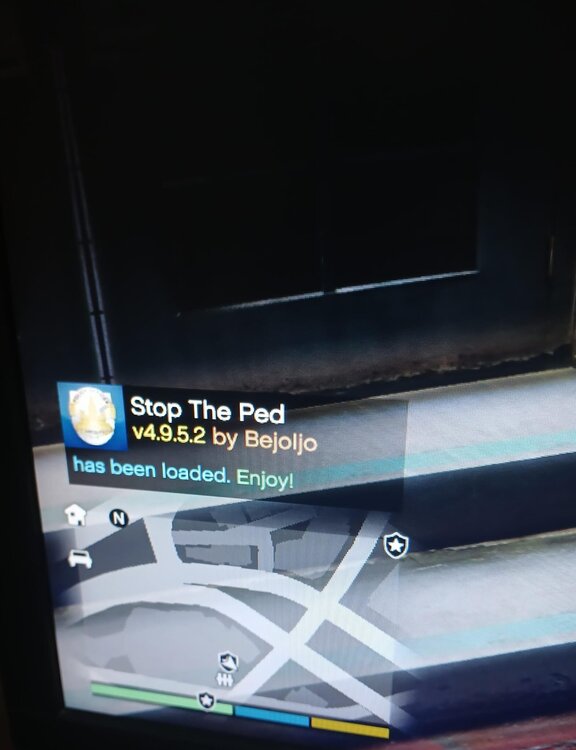
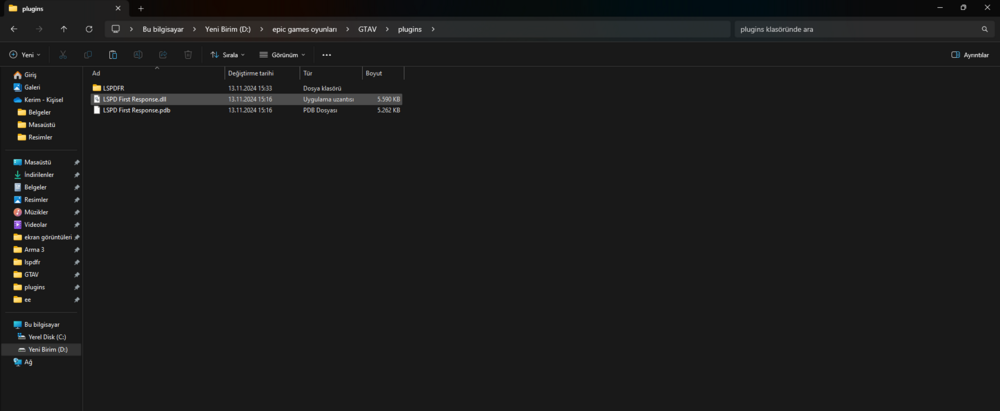
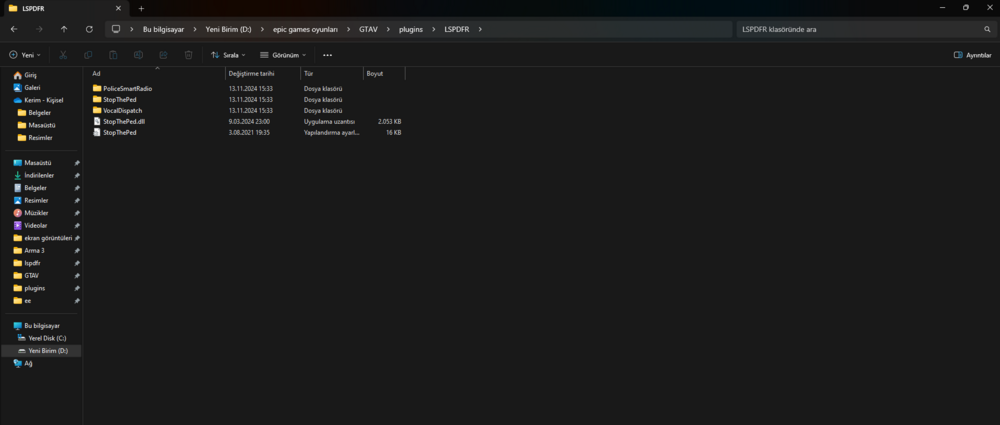
Hey guys i got this little problem about the stop the ped mod. I download that mod and put in the GTA V \plugins\LSPDFR. When i play the game it say stop the ped loaded but stop the ped menu just dont pup up. I even changed the binds. Can you guys please tell me where did i made mistake.