NetherLexis
Members
-
Joined
-
Last visited
Everything posted by NetherLexis
-
i have PR and no, it does not have that feature
-
I wanted to ask if there is, or could be, a plugin that allows the player (as an officer or sheriff deputy) to transport injured or downed police officers to a hospital. The idea is: The player can load an injured officer into a patrol car Drive them to a hospital, by preference the nearest, obviously The officer is properly handled (despawned/recovered) once delivered At the moment, most setups rely on EMS reviving officers on scene, which feels a bit unrealistic. Being able to personally transport an injured colleague would add a lot of immersion and decision-making during critical incidents. If something like this already exists, I’d appreciate being pointed in the right direction. If not, consider this a plugin seggustion. And yes i asked ChatGPT to help me write this lol, and the acctual reason I want this is to be able to leave the scene of a shootout without needing to clean the scene completely before leaving lol.
-
-
-
 ty helped a lot
 -
where can i find the carvariations?
-
yeah but NPC still white yk
-
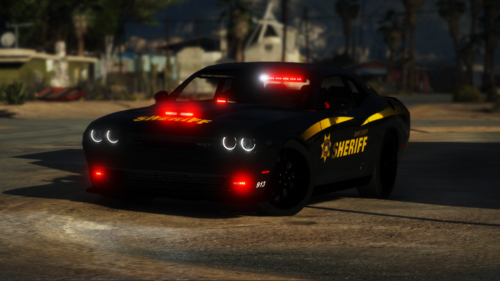
i know that to make the car black it needs to be addon but how do i make it black for replace?
-
.thumb.png.656f907bc2febc81911b0b821cb502c8.png) how do i add a custom backround? (it says image not found but idk where im supposed to put the image)
how do i add a custom backround? (it says image not found but idk where im supposed to put the image)- 351 comments
- 45 reviews
-
-
i have recently made a replace car using zmoddler bur when i try to spawn that car i get an error heres a google drive link with the car so if someone wants to fix it for me then do ty https://drive.google.com/drive/folders/1DzQTgLO0bJCq2scn1hzXYzcvf6jpW9yB?usp=sharing



.thumb.png.656f907bc2febc81911b0b821cb502c8.png)