
Ivosik
Members
-
Joined
-
Last visited
Everything posted by Ivosik
-
So... Now I had some free time and I reinstalled whole game and did what you said. It didn't worked situation is still the same. Here is the log again if this would help in any way. I really have no idea a this moment. RagePluginHook.log Alr So. Somehow app named: WindHawk Did this. I have no idea why but I disabled it and now it works awesome. Also It fixed Problems with Fivem
-
So, I Modded the game as usual but this time I have some problems with RageNativeUI I guess because EUP menu dosen't work but the clothing works, Settings menu for callouts or any other scripts/plugins for lspfr or not crashes the plugin. I have the newest 1.9.3 RageNativeUI. The problem Is seen the best with EUP menu and Policing Redifinied because Eup is crashing and PR is just showing an error. I'm prpeaty sure that this is more of the Gta5/Ragepluginhook beacause it's not only lspdfr but everything also scripts. RagePluginHook.log
-
 We will see 😉
 -
 Same for me
 -
 I need help, I have clear Plugins and everything but LSPDFR is still crashing after trying to arrest peds by aiming at them and holding "E",I realy want to use this plugin because it is made way better than STP and UB, but i can't figure it out myself. Here i'm adding 2 videos, 1 with other plugins that COULD make it and 2nd one w/o anything on|
- 740 comments
- 58 reviews
-
so This is video of the problem, Also sometimes i have random crashes while even stopping the ped but i can leave with this
- 740 comments
- 58 reviews
-
So when i'm arresting Npcs by using weapon LSPDFR crashes, But when i'm arresting using just plugin it is working.
- 740 comments
- 58 reviews
-
i find my mistake i'm making fix now soory for the time you need to wait
-
did you replace old livery or added as new livery?
-
i'm gonna fix it tomorow and i'm gonna make some photos too. Really Thanks For the info i didn't saw this mistake : P
-
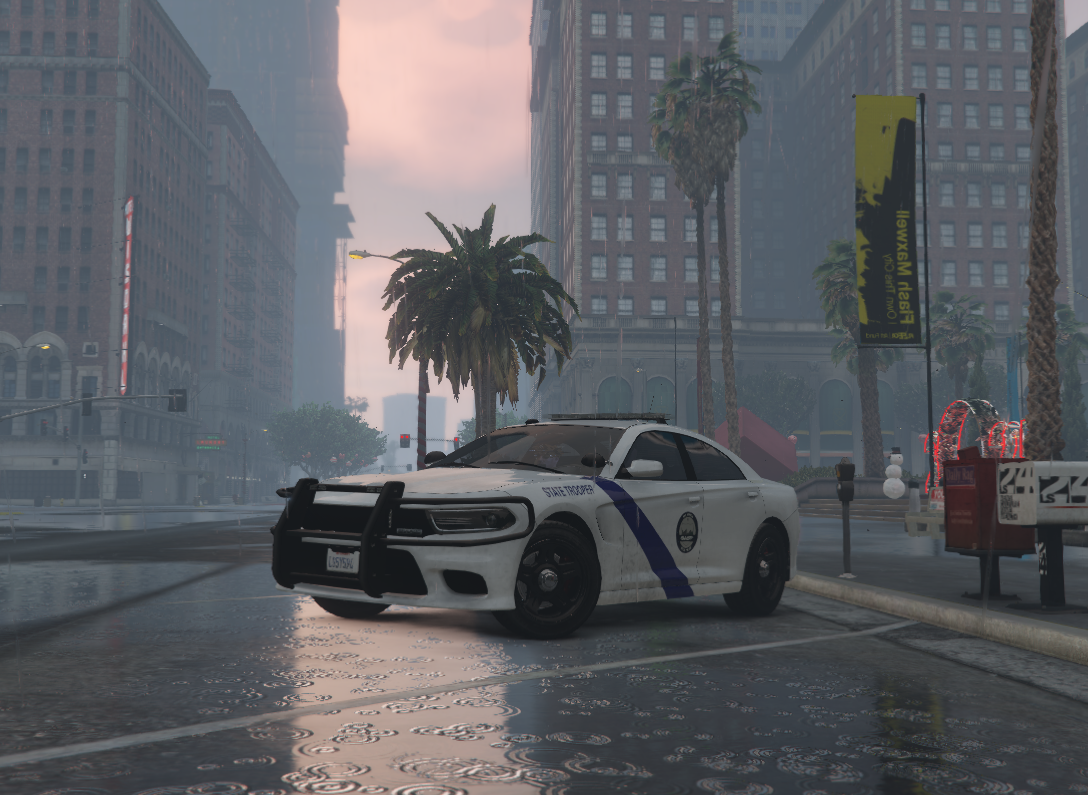
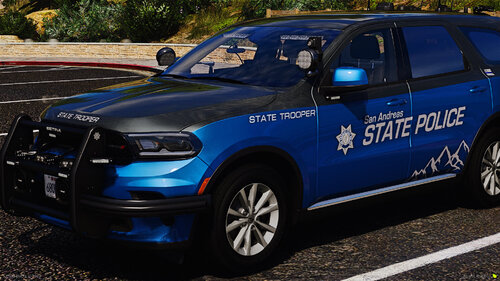
So it is my First Vechicles Pack it took me 2 days to make it and i think it is preaty good so i apreciate any comments and suggestions 🙂 Here is link For the Vechicles Pack:
-
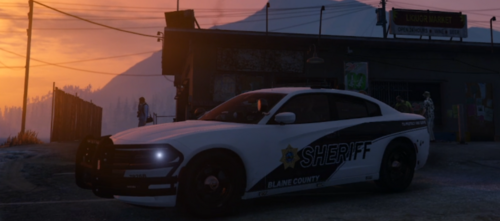
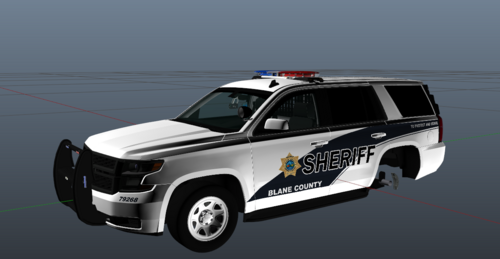 So it is my first livery for any cruiser i was inspired by the cruisers in Bibb County i chose to use the 2017 chevrolet Tahoe i'm gonna add more vechicles in some days and sorry for any bugs becouse it is my first job. Have a good use of the vechicle and Livery i respect every message and any of propsitions 🙂