


ylainnn
Members
-
Joined
-
Last visited
Everything posted by ylainnn
-
alright i will try this
-
i have removed everything except lspdfr and everything that will run it, so the plugins and scripts that I added later
-
yes i have a legit copy I play from epic games and I don't use any antivirus program other than windows defender
-
i think there is a problem with lspdfr because I uninstalled everything, and then when I installed lspdfr from the beginning again, it kept giving crash
-
alright i am trying rn
-
RagePluginHook_12102024_182139.log
-
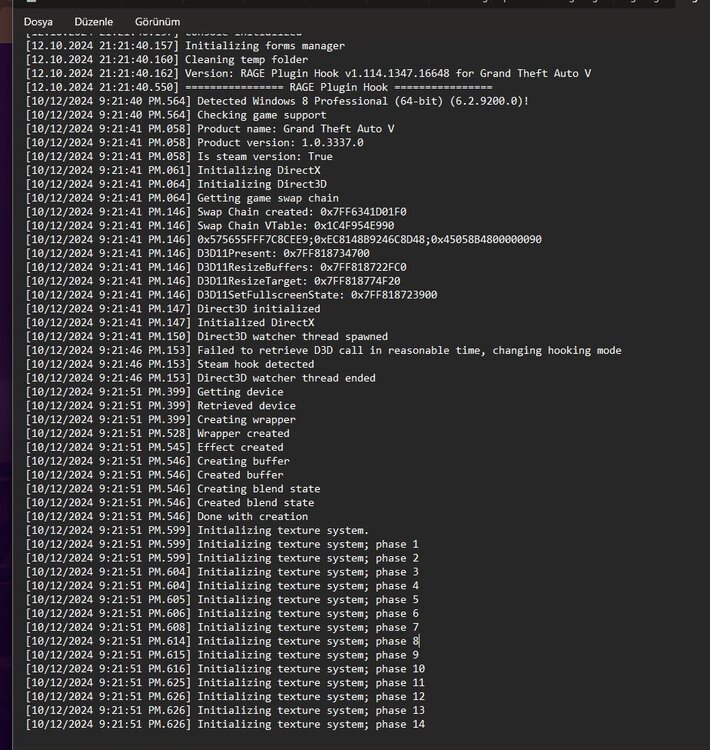
heyy i did everything but it keeps crashing could it be because of the scripts I uploaded?, this is the last crash report btw
-
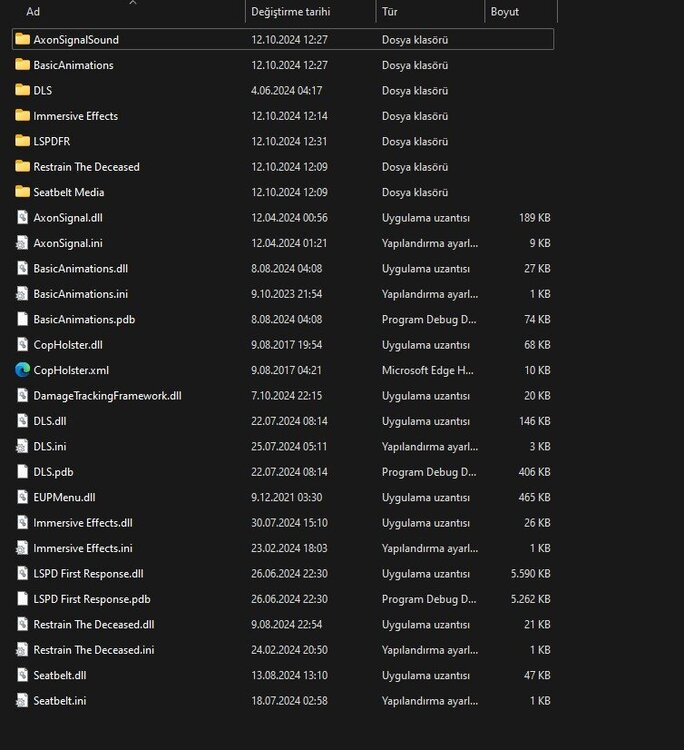
i have removed the plugins you said, but I still have the same what else do you suggest I remove
-
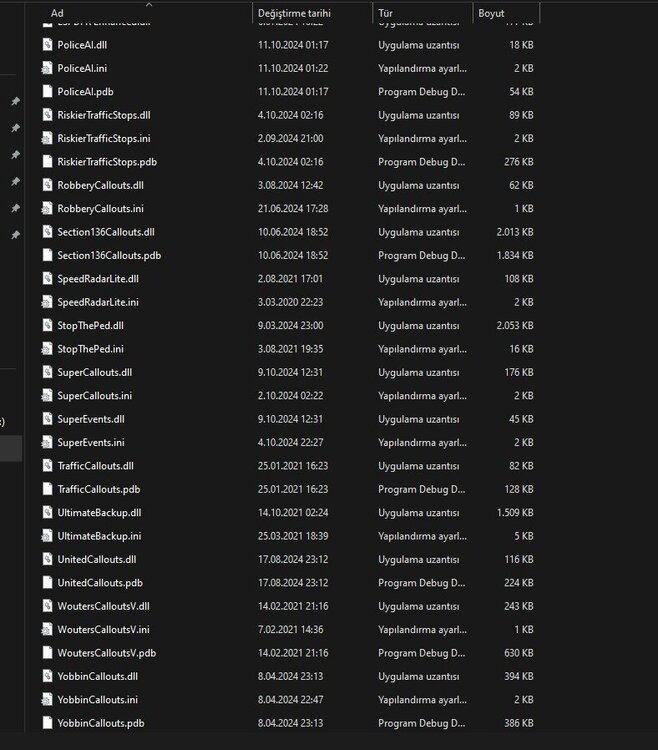
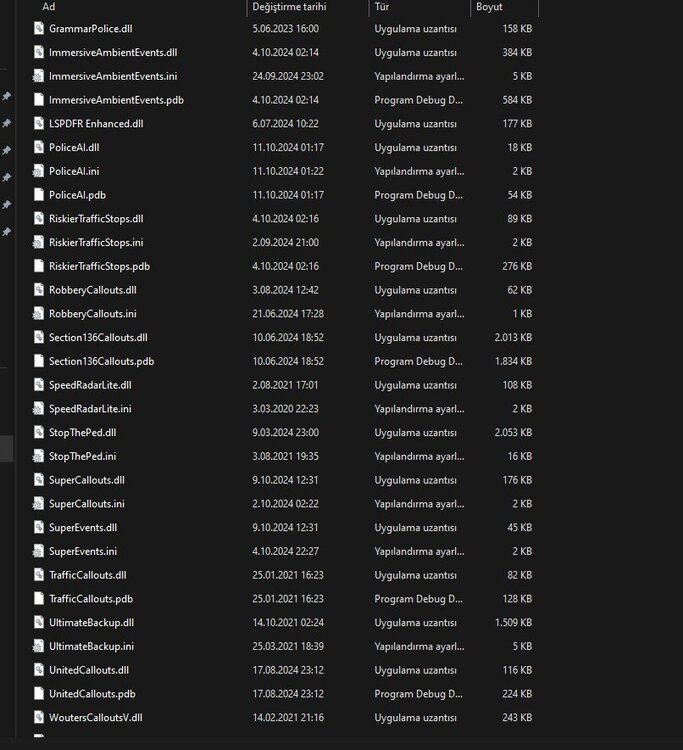
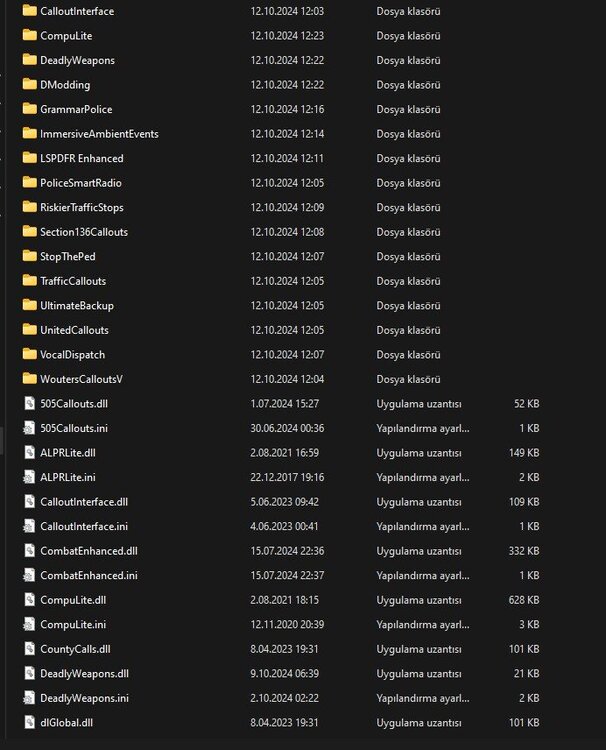
-
-
RagePluginHook_12102024_151901.logthis is the rage plugin hook log can you help please


