BRPW55
Members
-
Joined
-
Last visited
Everything posted by BRPW55
-
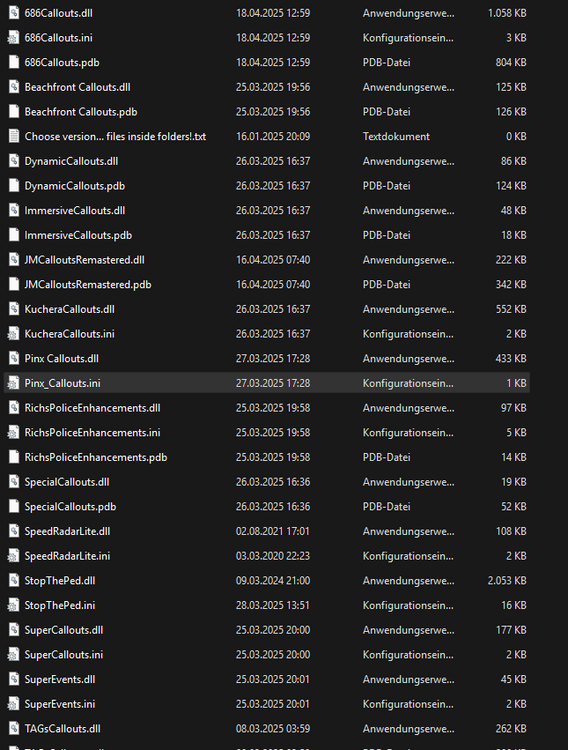
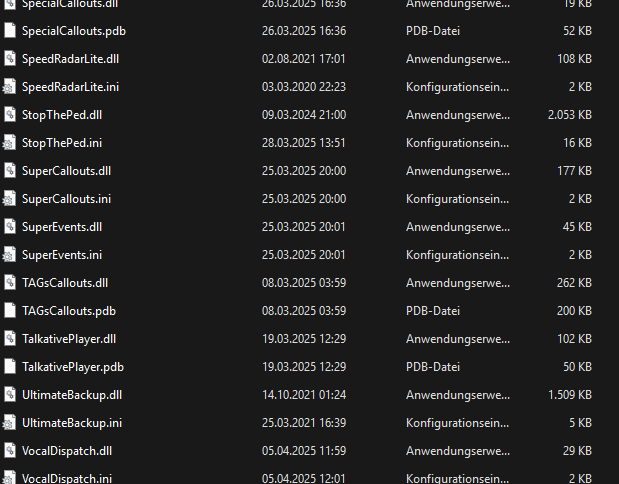
Hello Everyone, I have a bug that when i go on the LSPDFR Menu it come the stats from the caracters, also i cant pull over peoples or something else. calls dont load too when i start them manually. I have allready an other gameconfig, also tested the normal gameconfig from gta. didnt work both i had already resource adjuster installed and dont have many dlcpacks installed. 2 i mean. . . i dont know where to find the right crash log. im so sry
-
 How to install ?
 -
 see comment
 -
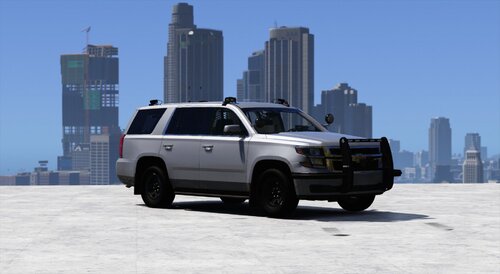
It Looks Very good and Drives Good
-
I Found a Fix on
-
Hi LSPDFR crash its self the error code is ERR_FIL_PACK_1 i have replaced LSPDFR But it doesnt change anything. It crashes when i Load LSPDFR i Would send an Crash log or something but i dont know how i find them . . .