Skip to content
View in the app

A better way to browse. Learn more.

LCPDFR.com

A full-screen app on your home screen with push notifications, badges and more.

To install this app on iOS and iPadOS
  1. Tap the Share icon in Safari
  2. Scroll the menu and tap Add to Home Screen.
  3. Tap Add in the top-right corner.
To install this app on Android
  1. Tap the 3-dot menu (⋮) in the top-right corner of the browser.
  2. Tap Add to Home screen or Install app.
  3. Confirm by tapping Install.

Nyankat

Members
  • Joined

  • Last visited

Everything posted by Nyankat

  1. Nyankat posted a topic in Legacy
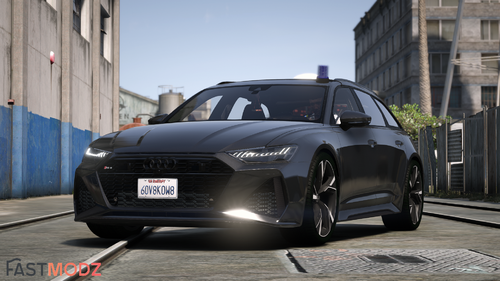
    I played lspdfr about a year ago but wanted to start playing online again so I deleted it. About a week ago I decided to redownload it. I used to have so many good car mods the first time I downloaded it but now it just seems like they're all gone. Even when I go to Youtube and people put links to mod cars almost all of them have been removed by the owner. Does anyone know why? And also the cars that haven't been deleted are all replace so I can't find a single decent addon car.
Account

Navigation

Search

Search

Configure browser push notifications

Chrome (Android)
  1. Tap the lock icon next to the address bar.
  2. Tap Permissions → Notifications.
  3. Adjust your preference.
Chrome (Desktop)
  1. Click the padlock icon in the address bar.
  2. Select Site settings.
  3. Find Notifications and adjust your preference.