
Skip to content
View in the app

A better way to browse. Learn more.

LCPDFR.com

A full-screen app on your home screen with push notifications, badges and more.

To install this app on iOS and iPadOS
  1. Tap the Share icon in Safari
  2. Scroll the menu and tap Add to Home Screen.
  3. Tap Add in the top-right corner.
To install this app on Android
  1. Tap the 3-dot menu (⋮) in the top-right corner of the browser.
  2. Tap Add to Home screen or Install app.
  3. Confirm by tapping Install.

RegularOfficer23

Members
  • Joined

  • Last visited

Everything posted by RegularOfficer23

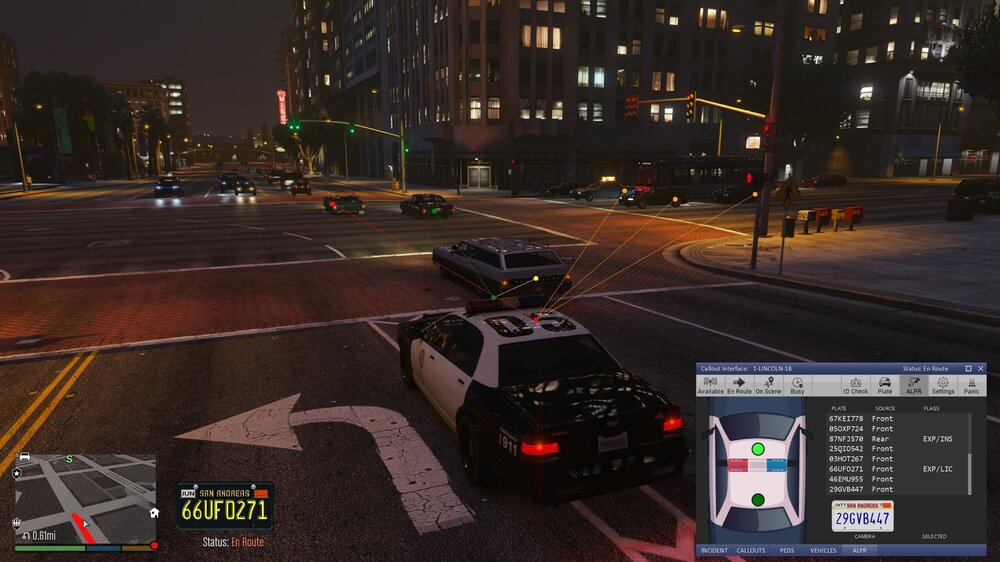
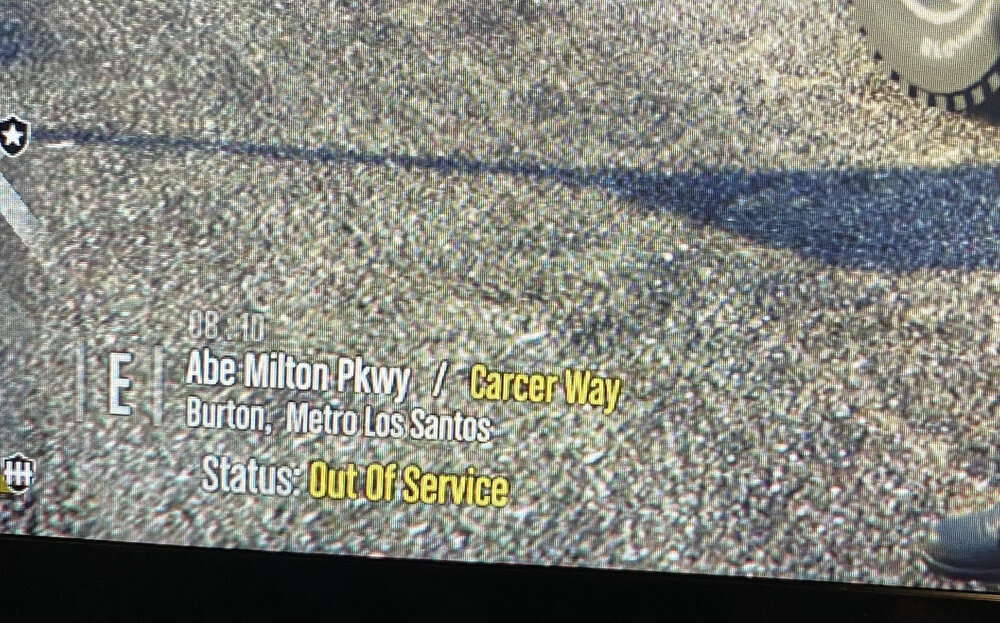
  1. [ Callout Interface], [Grammar Police] these two mods don't show any interface, although it used to work for me When I first downloaded these mods, they showed the interface, after some time I deleted the game, and recently I wanted to install again and installed all the mods that were needed. And I saw that these two mods do not show the interface (I tried changing the keybind did not help), I looked at several threads on the forum, but everything I looked at did not help. like this on photos. And i also added my log from RagePluginHook RagePluginHook.log
Account

Navigation

Search

Search

Configure browser push notifications

Chrome (Android)
  1. Tap the lock icon next to the address bar.
  2. Tap Permissions → Notifications.
  3. Adjust your preference.
Chrome (Desktop)
  1. Click the padlock icon in the address bar.
  2. Select Site settings.
  3. Find Notifications and adjust your preference.