


Pfob
Members
-
Joined
-
Last visited
Everything posted by Pfob
-
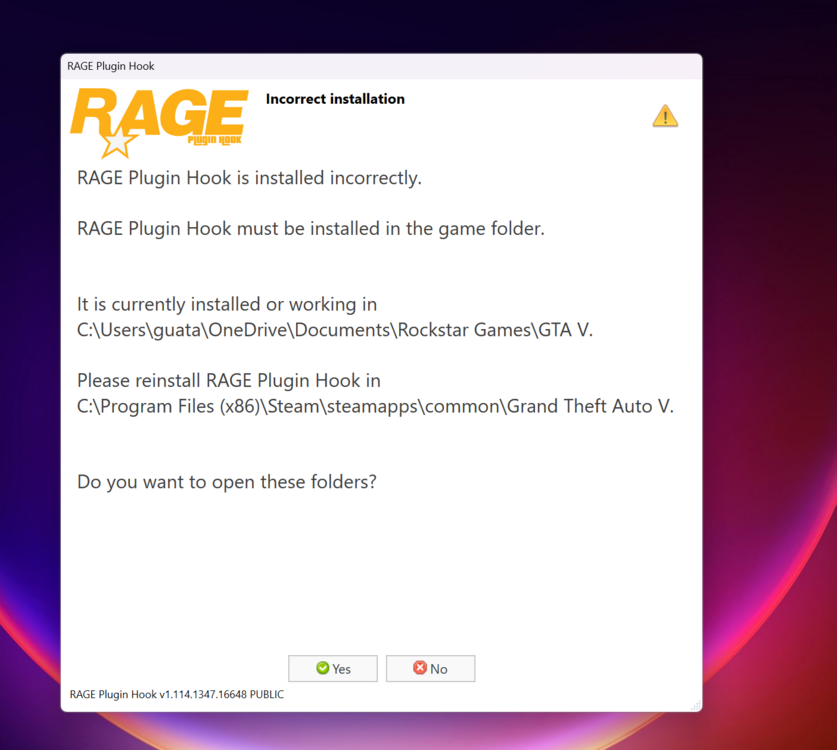
Ok thanks I did a clean install of LSPDFR and removed those three files from the plugins folder. Now when I open up the pluginhook I get this message.
-
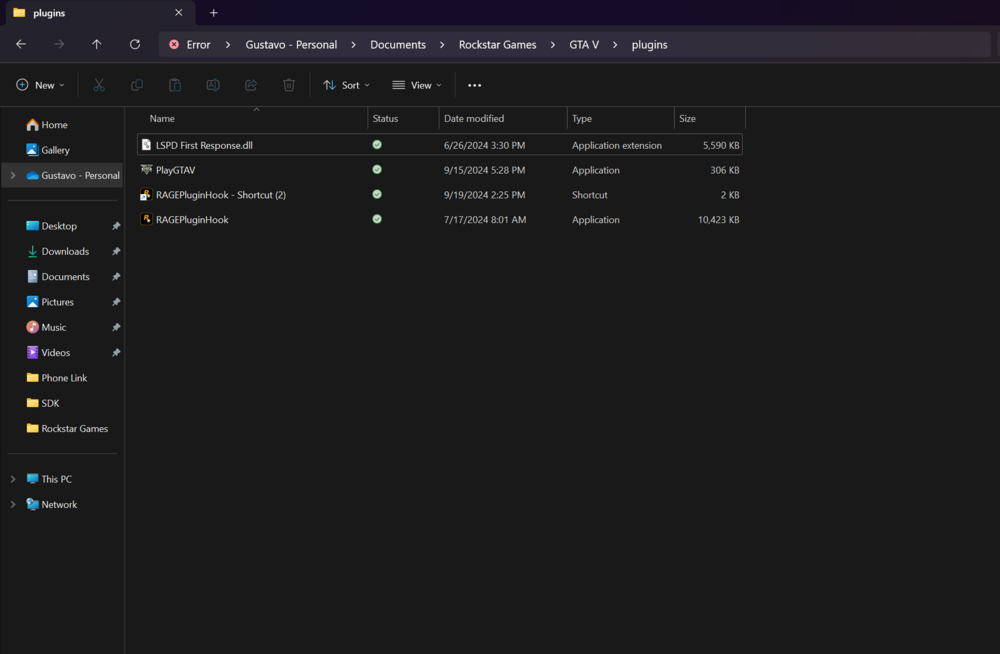
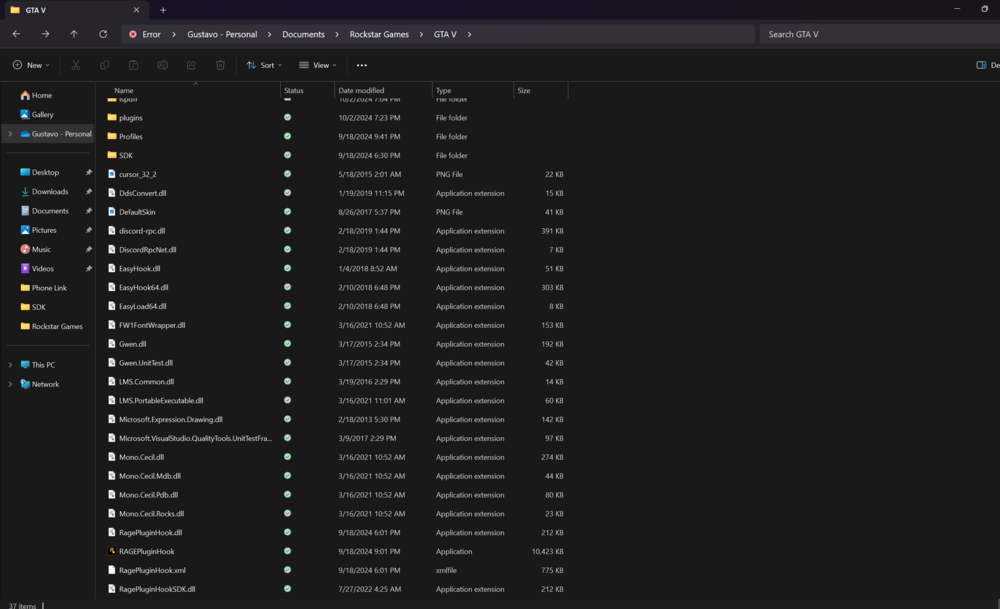
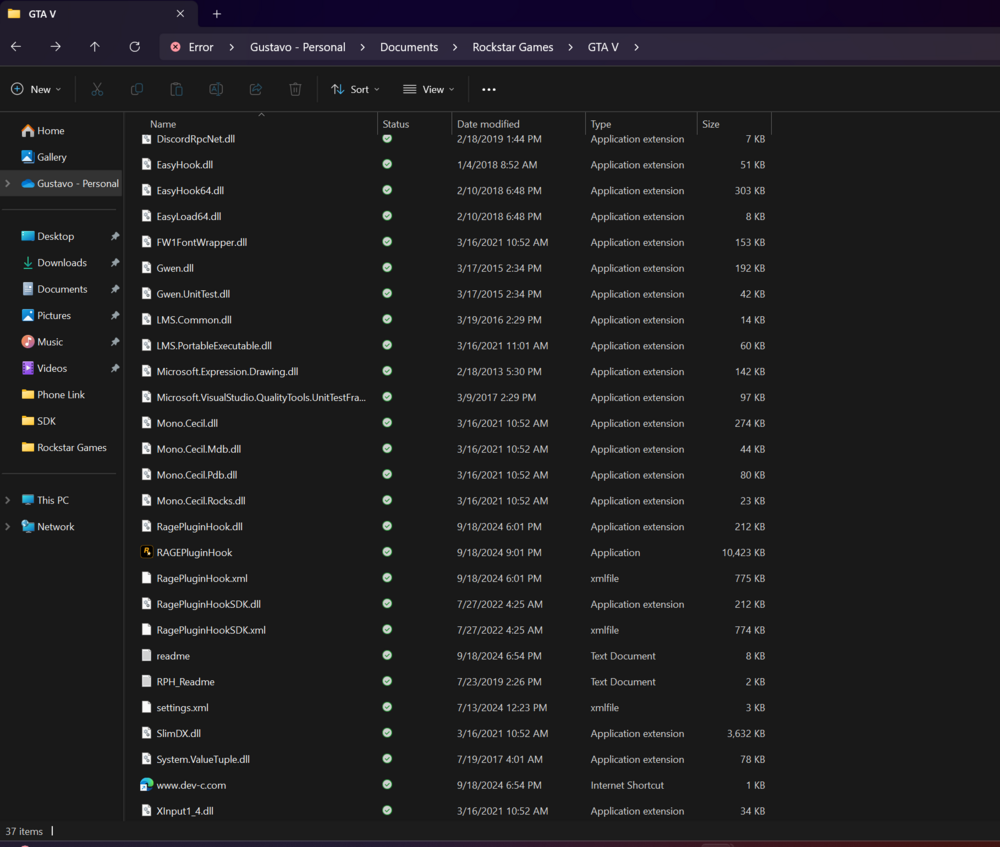
Ok I took the screenshots are these the right files?
-
So when I type that the LoadPlugin loads up but after I hit space and type LSPD and even tried the tab so it autofills it doesn’t work it’s like it’s doesn’t exist. I tried also to do the ReloadAllPlugins but same as well when I press enter nothing happens after. Could something be wrong with my files?
-
Hi there I'm having some issues, I recently installed lspdfr and it works and loads into the game but it seems like when I try to load in a plugin it doesn't work. I get this shown up, Invalid call to console command "Loadplugin" is displayed: Parameter "pluginFileName" of console command "Loadplugin" in not optional, but no argument was specified. Also I'm trying to load in LSPD First Response.dll but when I type it nothing shows up. Please help. Also not sure if this is the right one if it's the RPH Log RagePluginHook.log


