


DuckG23
Members
-
Joined
-
Last visited
Everything posted by DuckG23
-
I tried it today with the same files and it worked. I have no idea what happened. The only thing I did was to add a Native Trainer to the game but I think the fix was something different.
-
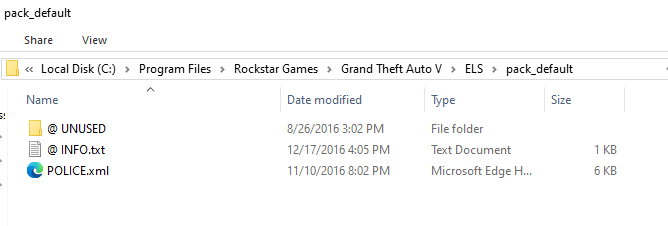
I literally have just downloaded drag and dropped the ELS 1.0.5 and the separate updated AdvancedHook.dll from https://www.lcpdfr.com/downloads/gta5mods/scripts/13865-emergency-lighting-system/. I have to say that LSPDFR crashes occasionally on startup, but I can usually resolve it by just starting again. For ELS I tried every option in the RageHookPlugin to not load or load all or selected plugins on startup. Edit: When I delete the ELS folder, ELS.asi and ELS.ini file it works as intended. At first I thought that the new "mods" folder could have something to do with it but it doesn't seem like it.
-
I recently installed LSPDFR and I wanted to install ELS too. After installing ScriptHookV with version 1.0.3337 and ELS version 1.0.5 with the new AdvancedHookV_b3258 file, the game crashes fully. This is the first part of the generated crash report:
