


RadiosWithJackson
Members
-
Joined
-
Last visited
Everything posted by RadiosWithJackson
-
There was only one texture file i could find with the lighting colors in it.
-
Would it be the .ytf file? When I open it in openIV the lights are red.

-
Im assuming you're talking about the XML file in the ELS folder. Yes I changed aything light wise that said red was changed to blue or white.
-
Ive did that.
-
Its red. But Ive changed the red and amber light to white in the texture.
-
So I changed the color and its still showing up red in game. Attached are picures of what I did.
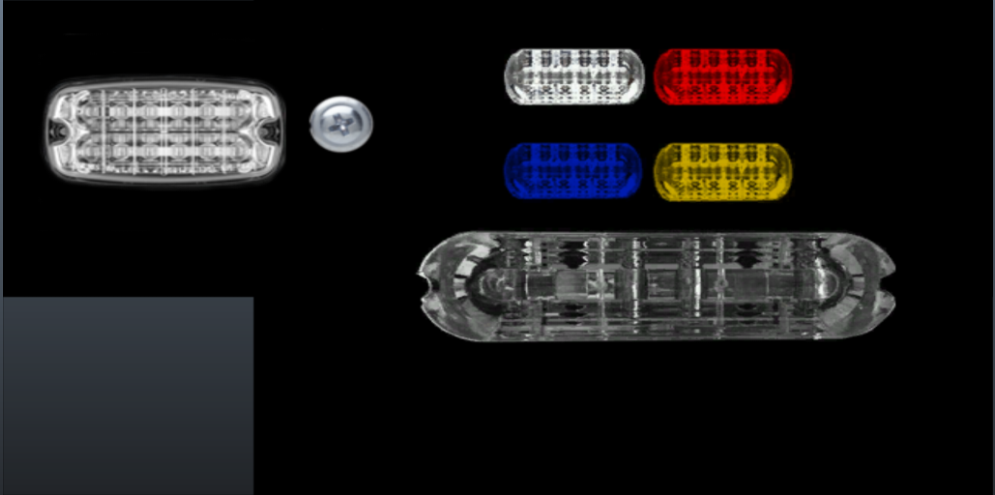


-
So Recently I decided to make a custom ELS setup/pattern. Basically change the red light on a light bar to blue. Ive changed all the red entries to blue in the .xml file but the red lights are still showing up in game. Anyone have any tips on how to get this to work?

