SJB2014
Members
-
Joined
-
Last visited
Everything posted by SJB2014
-
 Installer is badly made and installs duplicate files and files in the wrong places. Won't cause problems by itself, but will cause problems and headaches if you try to modify it, or to combine it with other mods, or to uninstall it. Mod itself is fine, but due to bad installer, some files don't take effect, so author may be balancing it based on wrong in-game feedback. The files that do take effect are based on an old version of GTA:V, so some DLC weapon variants may not be available, be aware if your gameplay involves those weapons. If you want to try the mod, absolutely back up your mods folder prior to install.
 -
I see the exact same thing. I was trying to modify some values of this mod, but discovered that the author's installer install files in the wrong places (pedaccuracy.meta for example), which means the changes to that file does not take effect; and installs the same file twice in different places (weapons.meta for example, meaning if you modify the file installed in the wrong location, your changes do not take effect). The author has no idea how to write an assembly file. The mod may not be the cause of crashes and bugs by itself, but due to the badly written assembly file, it absolutely *will* cause problems and/or headaches for you if you try to modify it or to combine it with others. The lack of an uninstaller also makes uninstalling this mod a pain, but it's doable if you go into assembly.xml line by line, and hopefully you know the structure of the assembly file better than the author so you can hunt down all the files that need to be uninstalled.
-
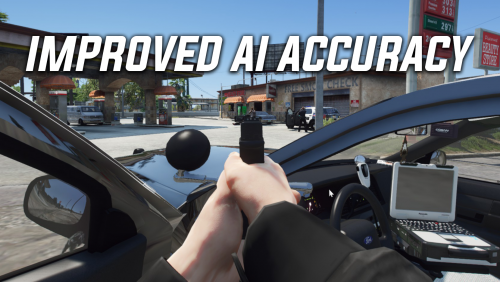 How do I reduce my own accuracy? The player is way too accurate way too quickly, especially with pistols.
- 25 comments
- 5 reviews