cnegahnquet
Members
-
Joined
-
Last visited
Everything posted by cnegahnquet
-
Is there any safe way to play lspdfr with a friend? I would resort to fivem but I don’t like the pvp style of civilians, and how you can’t really get into it, and would rather go against AI
-
i’ve heard, but i just don’t want to get them, then either get a virus or launch fortnite or siege and get banned because they think it’s a hack or something
-
unfortunately, i deleted LSPDFR and all stuff related to try and fix the the issue, but when i went on duty, i did see super callouts load. I’ll come back to this later if i’m still having issues, but i don’t have one more questions. Is bejoijo safe? And if not, where can I get plugins similar to the ones they have?
-
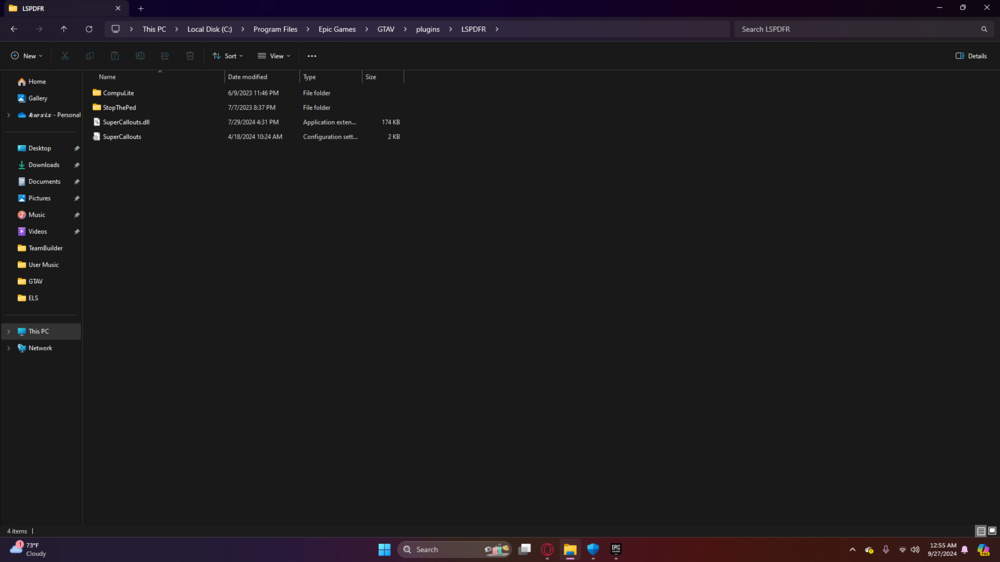
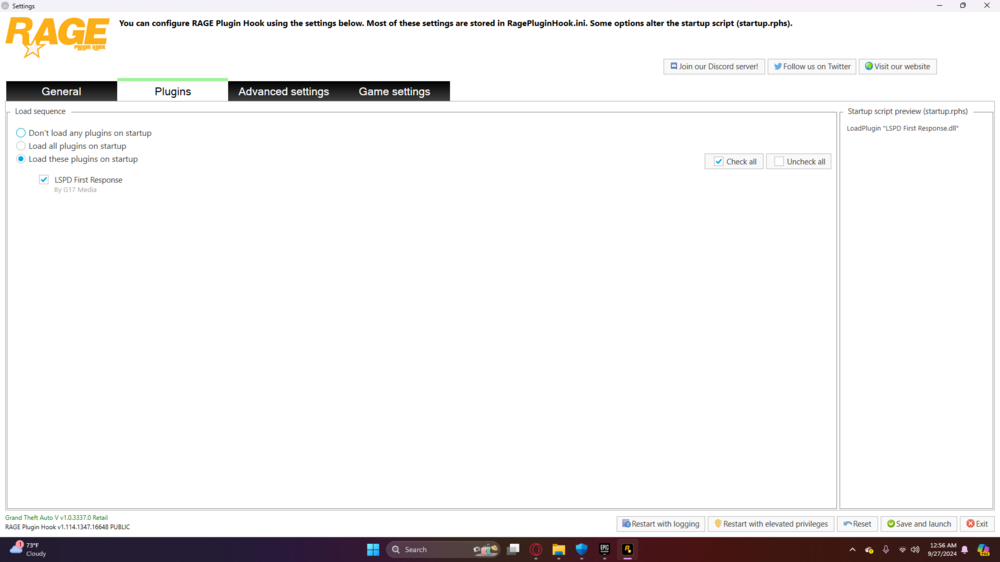
Well, Stop The Ped for example. I walk up to a civilian and no dialogue pops up. And compulite doesnt seem to be working aswell. So I assume that it hasnt loaded, and it doesn't say in the F4 menu that anything has loaded, besides LSPDFR. Ill show a pic of the folders, is this what is supposed to look like?
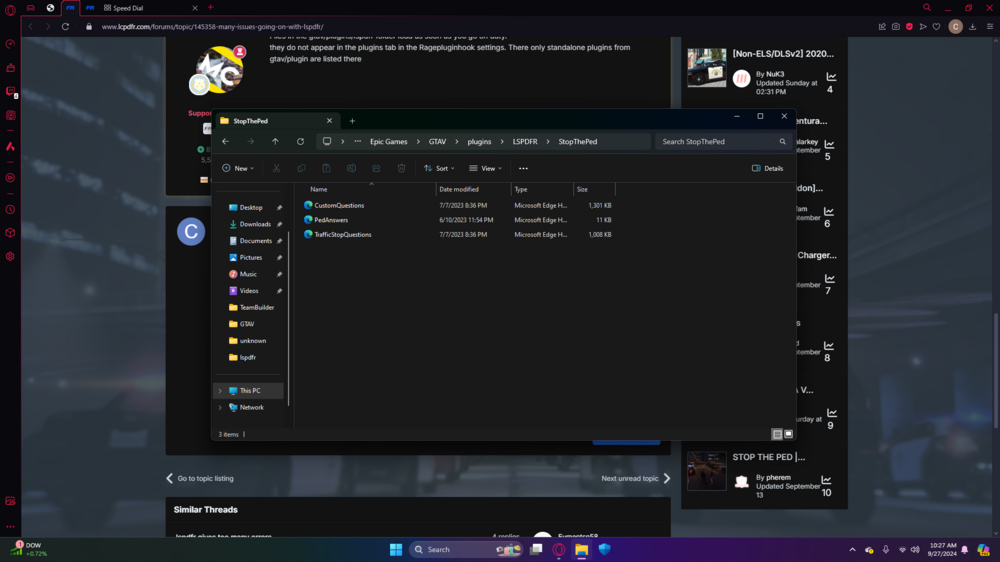
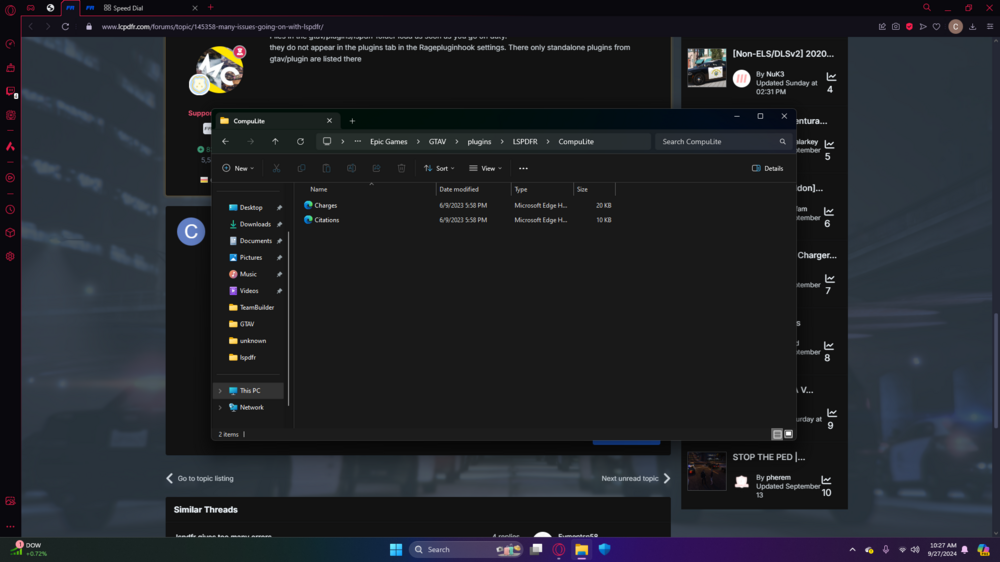
-
Im about to yap so be aware. I only have a few plugins, and a few mods. Ill have a picture shown with the ones I have,. I have a few peds and cars which work fine. But my main issues are the plugins I do have, arent loading in RPH or the F4 menu. And for some reason my sirens stopped working after I got ELS. Someone please help me. Ill give more info if needed